Home AI Wallpaper Generator Categories How It Works FAQ About Generate Wallpaper

Wallpaper category

AI Space Wallpaper Generator

Space wallpapers trade daylight for scale: deep blacks, patient starfields and a single glowing subject doing the talking. This category covers nebulae, planets and quiet cosmic vistas — artistic interpretations, not telescope photographs.

Open the Generator See Prompt Ideas
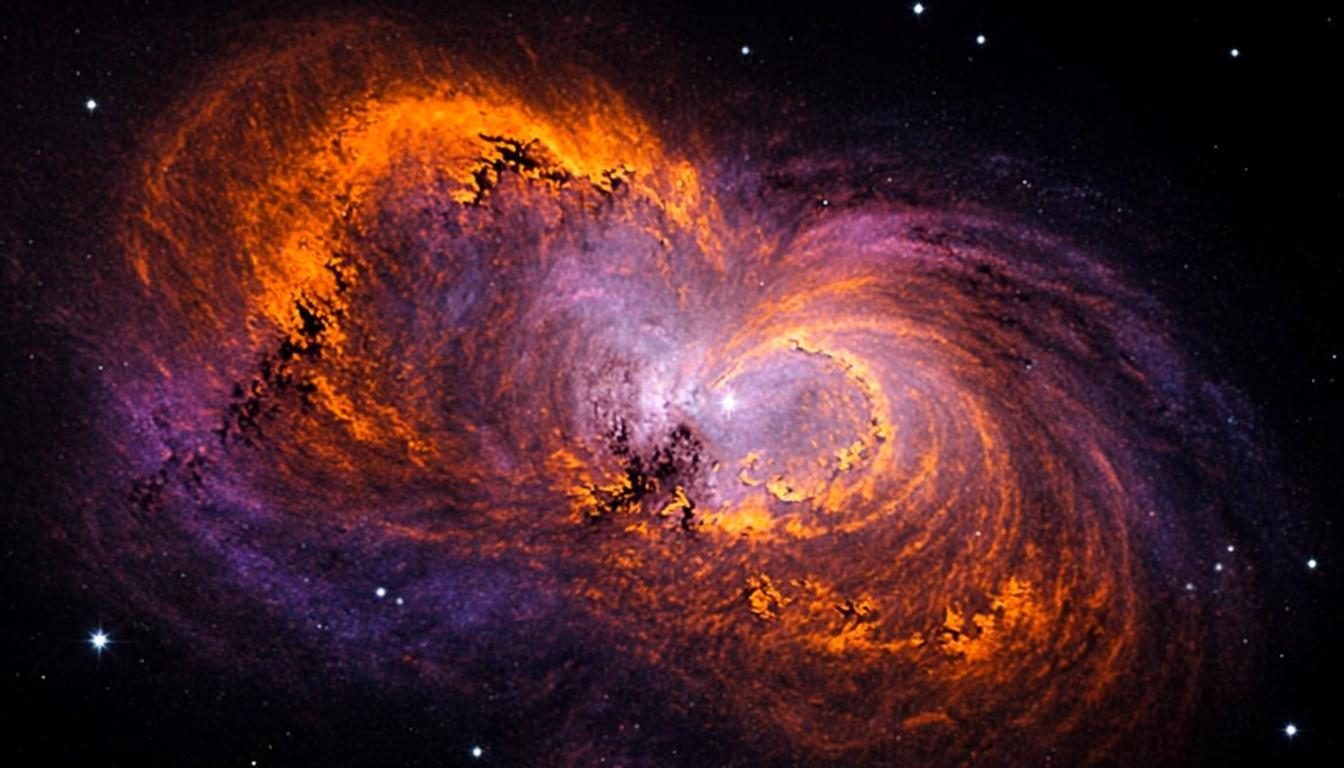
Colorful nebula with swirling cosmic dust and stars
Deep Space · 16:9 · 4K

What defines it

Scale and silenceVast dark expanses where one luminous subject carries the frame.
Dark-mode nativeNear-black scenes that flatter OLED panels and late-night work.
Cosmic color controlNebula tones you choose — teal, magenta, gold — against deep black.
Honest artistryInspired by astronomy imagery, composed as art rather than documentary fact.

What makes space wallpapers work

The grammar of space art is absence. Most of the frame is darkness, and everything that matters — a nebula’s fold, a planet’s lit limb, a dense band of stars — burns inside it. That austerity is why space scenes work so well as wallpapers: they organize a screen around one event and let the edges stay out of the way. When you prompt, treat darkness as the material and light as the subject. An AI space wallpaper generator hands you that much darkness on demand, with the glow exactly where you ask for it.

One honesty note belongs here: these are artistic interpretations, in the spirit of astronomy illustration, not telescope photographs. Real deep-sky objects are fainter and stranger than their popular portraits, and no prompt will turn a browser preview into observational data. Treat the results as cosmic art — which is also why you are free to exaggerate. A ringed gas giant low over a cratered horizon is fiction, and it is allowed to be beautiful fiction.
How to get the look

Decide what is glowing and keep everything else dark: one subject, one color story, one horizon if any. The style controls handle starfield density and glow — how it works explains what each control changes.

  • Set the stage with “deep black background” so the frame stays dark at the edges.
  • Pick one hero — nebula, planet, star band — and name its colors explicitly.
  • Control star density with words like “sparse starfield” or “dense starfield”.
  • On phones, keep the glow low in the frame so the clock sits on quiet sky.

Prompt ideas

Space wallpaper prompts to try

Copy one, or open it in the generator and adjust the controls.

“Colorful nebula with swirling teal and magenta dust over a dense starfield, deep black background, cinematic space art”

Try it

“Ringed gas giant rising over a cratered moon horizon, soft golden light on the limb, dark starfield, wide composition”

Try it

“Minimal starfield with a faint band of galaxy light, mostly black frame, quiet center, vertical 9:16 phone wallpaper”

Try it

Recommended sizes

Common uses, ratios and resolutions for space wallpapers.
Use caseAspect ratioSuggested size
Desktop monitor16:93840 × 2160
Ultrawide panorama21:93440 × 1440
Phone lock screen9:161440 × 2560

Space wallpaper FAQ

No — and we would rather say so plainly. The previews are artistic interpretations in the spirit of astronomy illustration, composed in your browser. They capture the mood of deep-sky imagery rather than documenting any real object.

They are the natural fit: a mostly black frame keeps average brightness low, which is easy on eyes at night and gentle on OLED battery draw. Add a nebula or a planet for one point of glow and you are done.

Adjust the words, not the settings: “dense starfield” packs the sky, “sparse” thins it, and “large planet low on the horizon” pushes scale. Regenerate a few times — small wording changes move the composition more than you expect.

Create a space wallpaper now

Describe your scene, choose the space style, and preview it instantly — free, right in your browser. The preview is generated on your device.

Copied