
Home AI Wallpaper Generator Categories How It Works FAQ About Generate Wallpaper

Browse

AI Wallpaper Categories

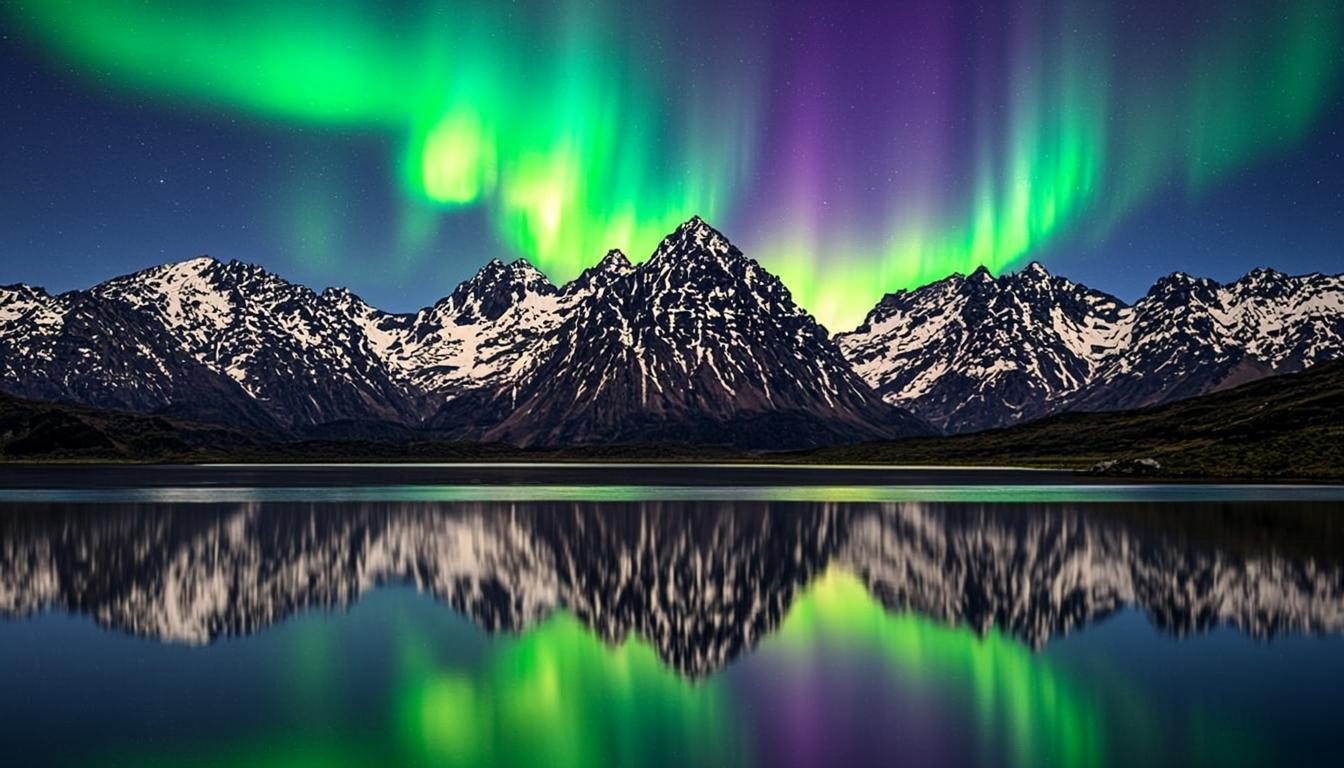
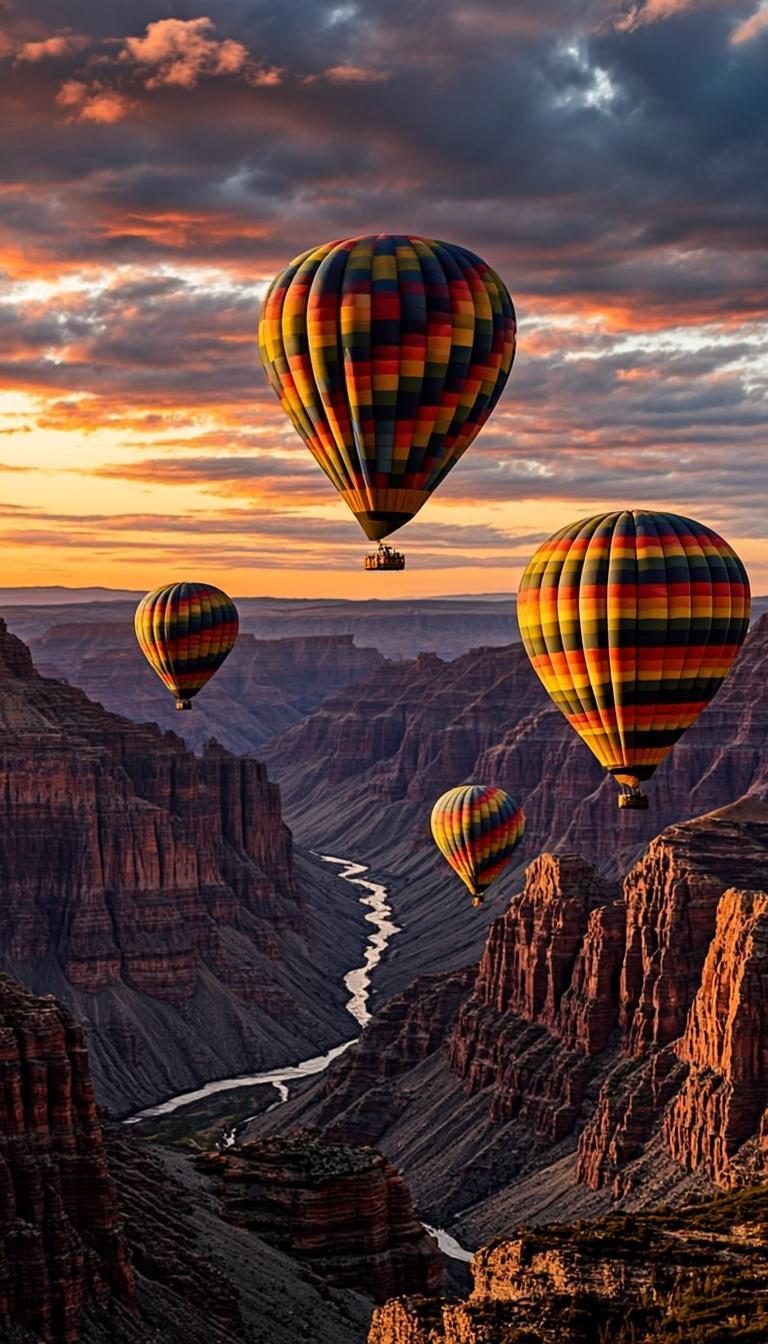
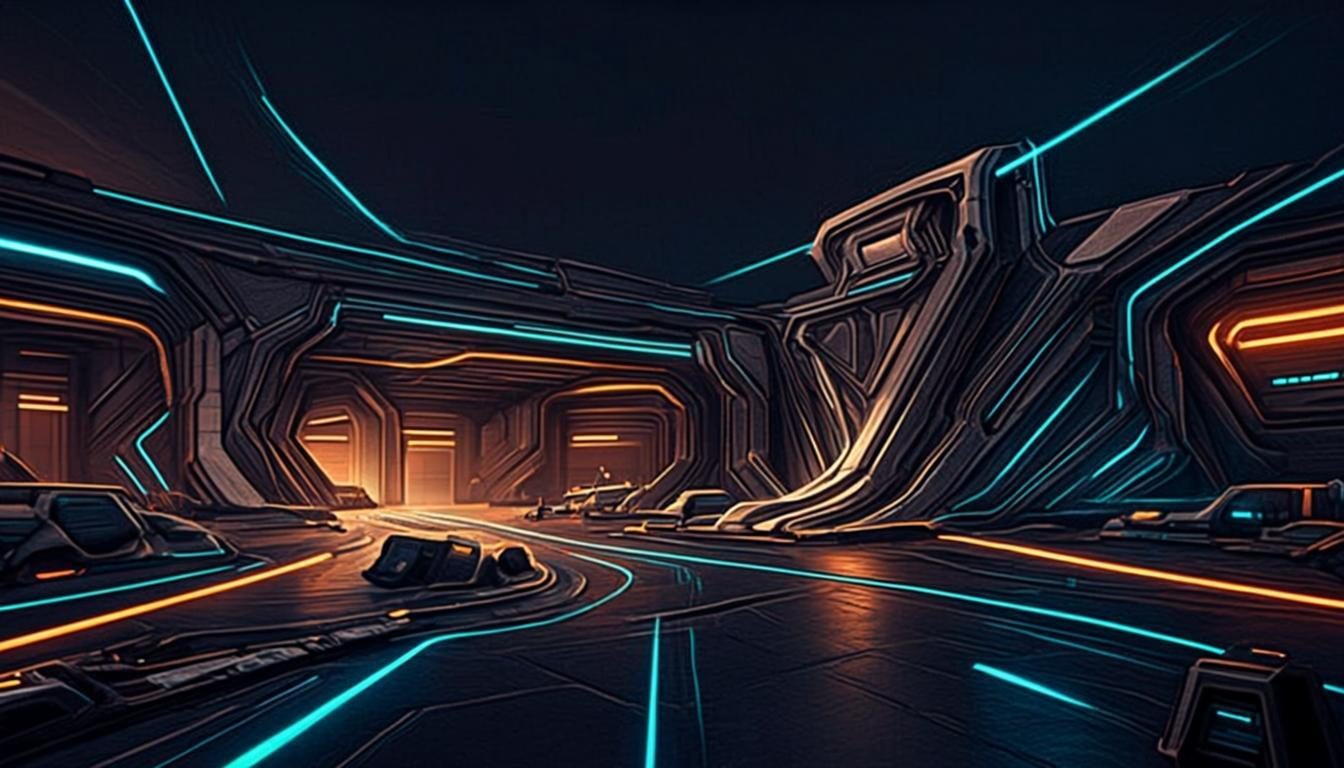
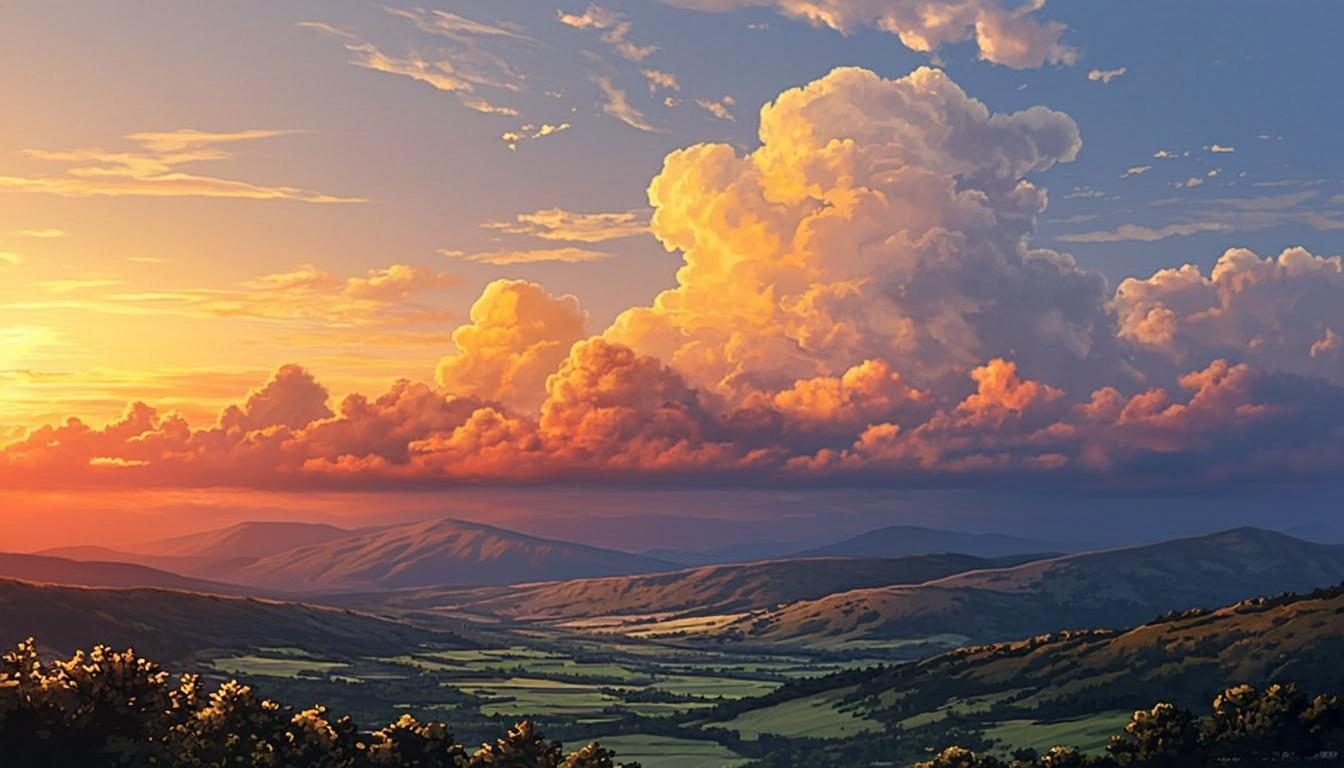
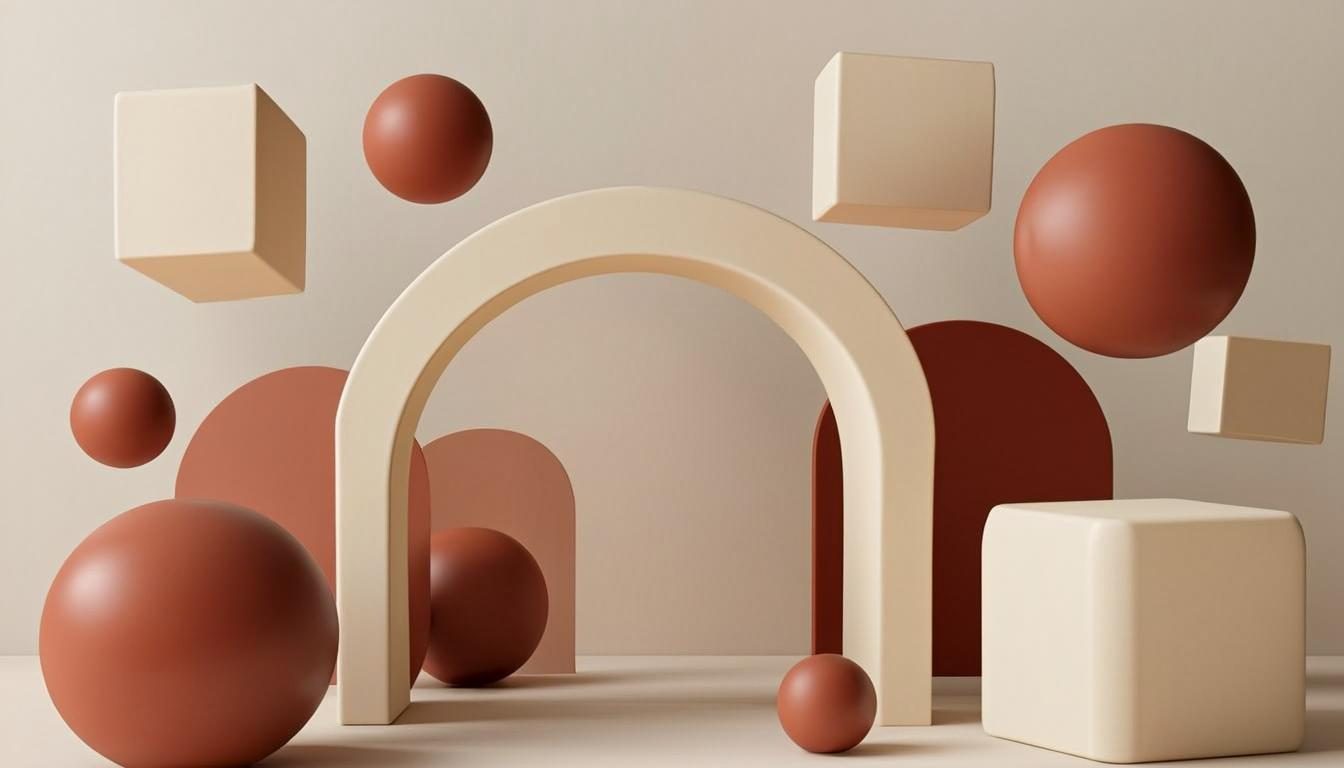
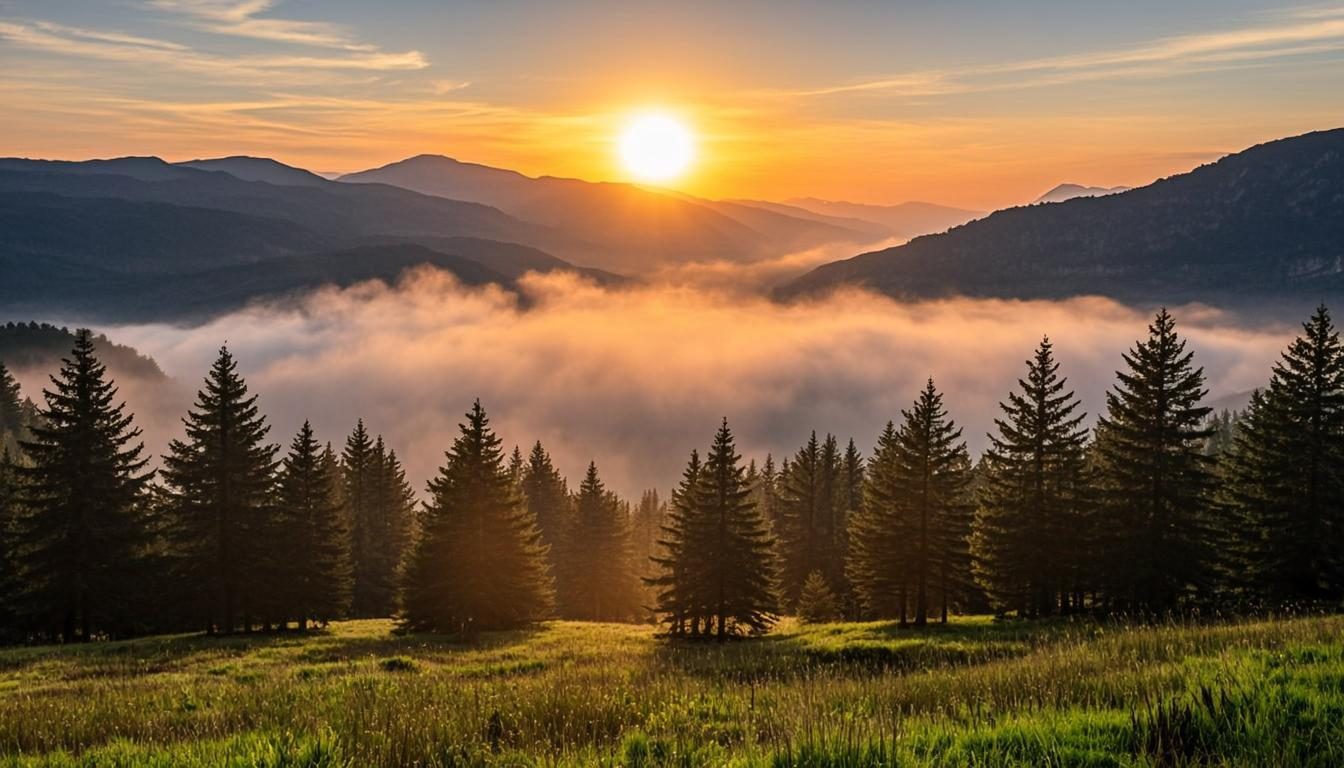
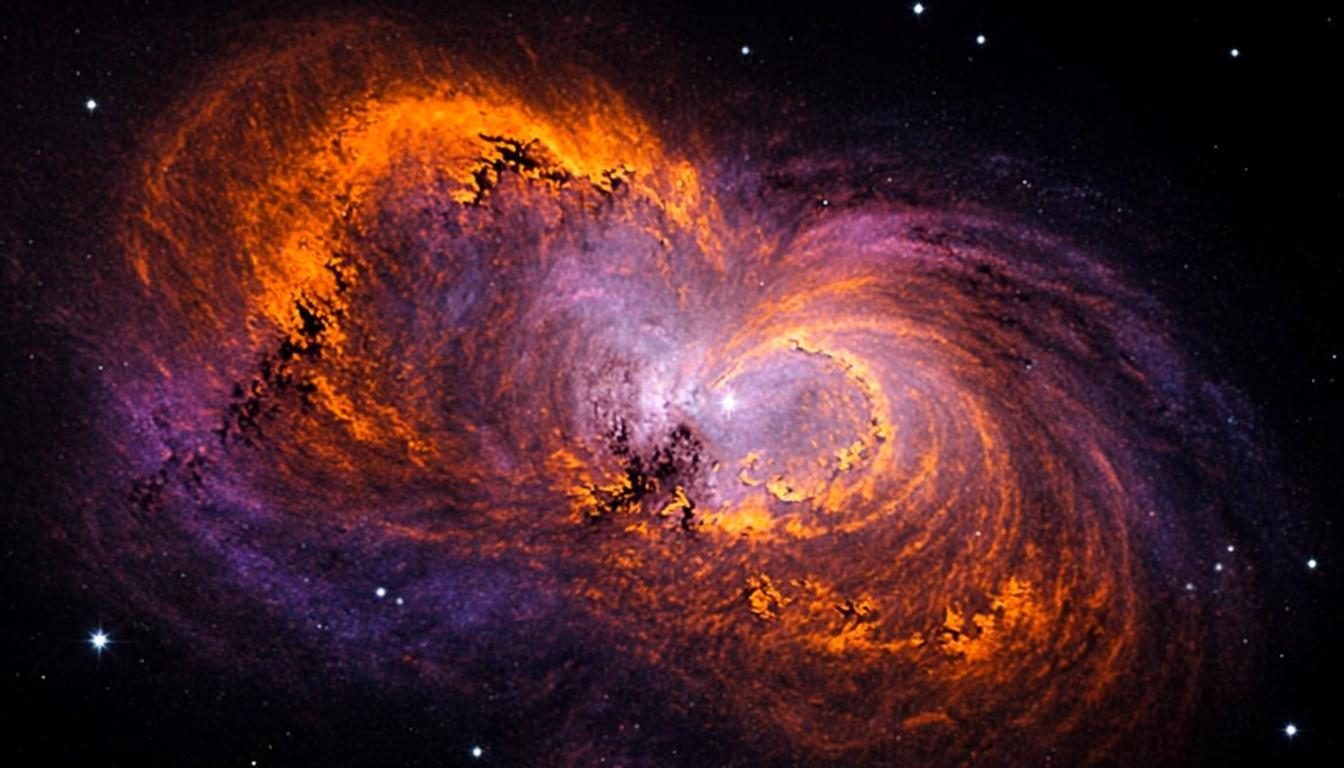
Eight style directions for AI wallpaper creation, each with its own composition rules, palette logic and ready-to-copy prompts. Start with the screen you are dressing — desktop, phone or a gaming setup — and follow the category that fits it.

Open the Generator How to choose a style

How to choose a wallpaper style

Match the category to the screen before the taste. Desktop rewards widescreen scenes with calm centers; phones want portrait compositions with quiet tops for the clock; gaming setups live on dark bases that flatter RGB hardware. Choosing by surface first filters eight options down to two or three, and each of those pages explains its own rules in depth.

Then choose by mood. Nature and anime bring warmth and calm; 3D and abstract bring clean, modern precision; space and gaming bring drama and darkness. If you are torn, generate one candidate from two categories with the same color palette — the comparison is usually decisive, and running it is free. See how it works for the two-minute version.

  • Start from the device: a monitor, a phone or a multi-screen setup.
  • Pick a palette family before a subject — it keeps a set of wallpapers coherent.
  • Read a category’s “what defines it” points; they are the rules its prompts follow.
  • Copy a prompt from any category page, then adjust the style and ratio in the generator.

Mix and match

Categories are doors, not walls. A nature scene can wear anime’s painted light; a space vista can borrow gaming’s near-black restraint; an abstract gradient sits quietly behind any of them as a calm fallback. When one style feels almost right, open its two nearest neighbors and steal a sentence from each prompt — the result is often better than either pure category.

However you combine them, keep one element constant — palette, subject or light — so the mix reads as intention rather than accident. When you land on something you love, save the prompt. And if sizing questions come up along the way, the FAQ has the short answers.

Create a wallpaper now

Describe your scene, pick a style, and preview it instantly — free, right in your browser. The preview is generated on your device.

Copied