Home AI Wallpaper Generator Categories How It Works FAQ About Generate Wallpaper

Wallpaper category

AI Nature Wallpaper Generator

Nature wallpapers earn their calm the same way real landscapes do: through layers. A strong foreground, a breathing midground and a sky that carries the light — that is the recipe every prompt in this category follows.

Open the Generator See Prompt Ideas
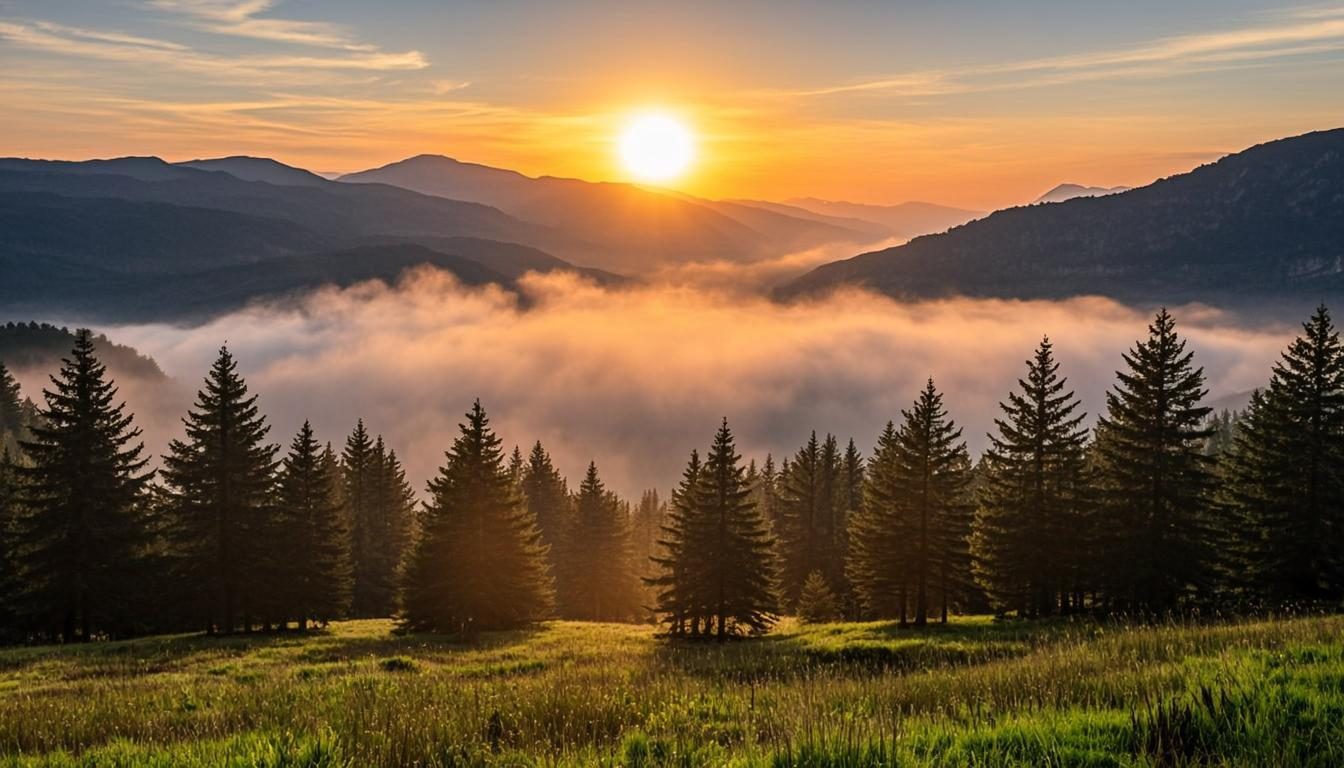
Misty layered mountain ranges at sunrise
Sunrise · 16:9 · 4K

What defines it

Layered depthForeground, midground and sky stacked to pull the eye inward.
Seasonal palettesSpring greens, autumn ambers, winter blues — the season sets the mood.
Calm contrastSoft, even light that stays easy on the eyes across a full workday.
Photographic feelScenes composed like landscape photographs: horizon, haze, atmosphere.

What makes nature wallpapers work

Ask a landscape photographer what makes a view and they will say separation. Foreground grasses, a midground ridge, a far range dissolving into haze — three layers are usually all it takes for a flat rectangle to feel like a place. Prompts can ask for this directly: name what is close, what is far, and what the air between them is doing — “morning mist”, “dust in the light”, “low cloud”.

Season is the other lever. The same valley can be fresh green, burning amber or silent blue-white, and the palette shift changes the mood of an entire desktop. For backgrounds you will live with during work hours, favor calm versions of each season: overcast autumn rather than saturated, blue winter dusk rather than bright snow glare. That is where an AI nature wallpaper generator helps — try the same valley in three seasons before you commit to one.
How to get the look

Compose in three sentences — near, far, weather — then let the style controls set the finish. The how-it-works walkthrough covers ratio and resolution choices for scenic scenes in detail.

  • Name three layers explicitly: “wildflowers in front, lake behind, ridgeline far back”.
  • Use weather words — “mist”, “after rain”, “low sun” — to add atmosphere between the layers.
  • Soften workday scenes with “overcast”, “dusk” or “haze”; save the drama for a secondary monitor.
  • Match the season to the mood you want on Monday morning, not just to the prettiest preview.

Prompt ideas

Nature wallpaper prompts to try

Copy one, or open it in the generator and adjust the controls.

“Layered mountain ranges fading into morning haze, soft golden sunrise, low clouds settled in the valleys, cinematic landscape”

Try it

“Autumn birch forest along a still lake, warm amber leaves, mirror reflection, calm overcast light”

Try it

“Snowy pine valley under a pale winter dusk, deep blue shadows, faint pink horizon, quiet minimal landscape”

Try it

Recommended sizes

Common uses, ratios and resolutions for nature wallpapers.
Use caseAspect ratioSuggested size
Single monitor16:93840 × 2160
Ultrawide panorama21:93440 × 1440
Phone lock screen9:161440 × 2560

Nature wallpaper FAQ

Give it three named layers and weather between them. “Pines in front, valley behind, ridgelines fading into morning mist” is all the structure a prompt needs — the haze is what turns depth into atmosphere.

Autumn “amber” and “golden” warm a screen instantly; “winter dusk” and “blue shadows” calm it down; “spring green” and “after rain” freshen it. Pick the feeling first, then the place that carries it.

It can. Keep high detail low in the frame, choose an even sky for the upper half, and lean on “calm”, “haze” or “minimal” if the preview feels restless. The FAQ page has more tips for icon-friendly backgrounds.

Create a nature wallpaper now

Describe your scene, choose the nature style, and preview it instantly — free, right in your browser. The preview is generated on your device.

Copied