Home AI Wallpaper Generator Categories How It Works FAQ About Generate Wallpaper

Wallpaper category

AI Desktop Wallpaper Generator

Great desktop wallpapers keep their drama at the edges and stay calm in the middle, where your windows and icons actually live. This category is about widescreen composition that works on HD, 4K and multi-monitor setups — pick an idea below and open it in the generator.

Open the Generator See Prompt Ideas
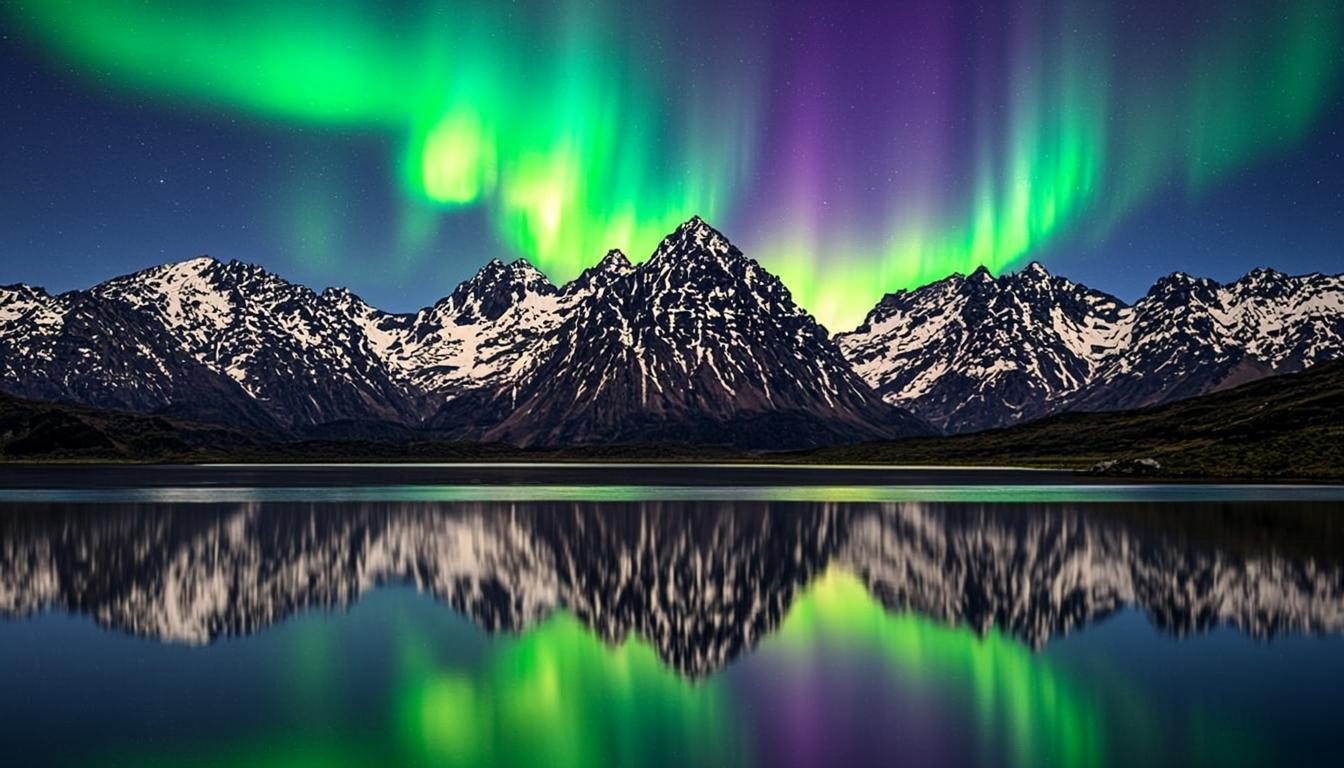
Aurora borealis over snowy mountains reflected in a lake
Aurora · 16:9 · 4K

What defines it

Edge-first compositionBold subjects sit toward the sides, where windows rarely cover them.
Widescreen depthForeground, midground and sky that stretch naturally across 16:9 and 21:9.
Calm center zoneSofter contrast in the middle keeps desktop icons readable all day.
Crisp at 4KClean gradients and defined shapes that stay sharp on dense panels.

What makes desktop wallpapers work

A desktop background is the only wallpaper you never look at directly. It sits behind browser tabs, spreadsheets and a grid of icons, so its job is to frame your work, not compete with it. The compositions that succeed treat the frame like a stage: strong light and subject near the left or right edge, a quieter middle lane, and a horizon low enough to survive a taskbar along the bottom.

Resolution matters here more than in any other category. A 1080p scene stretched onto a 4K panel turns soft the moment you lean in, so build widescreen scenes and export at 3840 × 2160 even if today’s monitor is modest — the file will be ready for your next screen. If you run two or more displays, think panoramic: one wide image split by the bezels reads far better than two unrelated wallpapers. That is the quiet advantage of an AI desktop wallpaper generator — widescreen ideas stay cheap to test, so you can afford to be picky about the middle of the frame.
How to get the look

Start from the composition, then layer in atmosphere. Name the pieces you want — a foreground ridge, a band of haze, a tall sky — and let the style controls carry the mood. Because the preview is a browser-generated visual, iterating is instant: adjust a word, regenerate, compare. The walkthrough on how it works explains every control mentioned below.

  • Add the words “wide” or “cinematic” to a prompt — both nudge the scene toward horizontal composition.
  • Keep the center quiet with phrases like “haze”, “soft light” or “open sky” around your subject.
  • For multi-monitor setups, generate one panoramic scene at 4K and let each display show a slice.
  • Preview before downloading — the visual updates as you change the style and ratio, so judge it at full screen.

Prompt ideas

Desktop wallpaper prompts to try

Copy one, or open it in the generator and adjust the controls.

“Aurora borealis over snowy mountains mirrored in a still lake, deep teal night sky, wide cinematic composition, calm center”

Try it

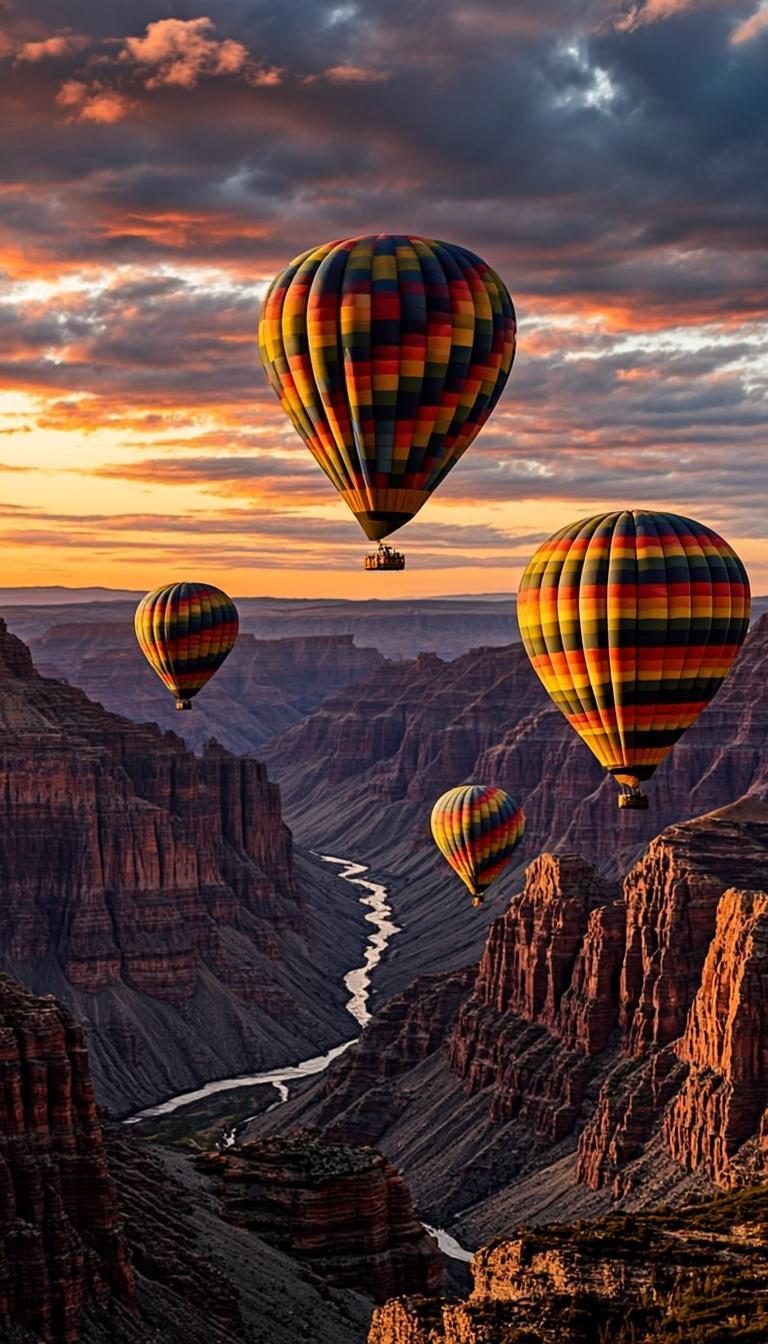
“Sunlit red rock canyon at golden hour, layered mesas fading into warm haze, long shadows, 16:9 widescreen”

Try it

“Minimal pastel gradient sky with one soft cloud bank near the top, generous calm space for desktop icons”

Try it

Recommended sizes

Common uses, ratios and resolutions for desktop wallpapers.
Use caseAspect ratioSuggested size
Single 16:9 monitor16:93840 × 2160 (4K)
Ultrawide display21:93440 × 1440
Laptop screen16:102560 × 1600

Desktop wallpaper FAQ

Match your monitor’s native resolution, or go one step higher — a 4K file looks perfect on a 1080p screen, but not the reverse. The generator’s resolution presets cover HD through 4K on the long edge; the FAQ lists them all.

Yes. Compose a panoramic scene — mountains, a skyline, a long gradient — and generate it wide at 4K. Set your operating system to span the image across displays so each screen shows a slice, and keep the focal point off-center so a bezel never cuts through it.

Favor scenes with an even, low-contrast middle: open sky, calm water, soft gradients. Save the high-drama light for the edges. If a preview still feels busy behind your icons, regenerate with words like “minimal”, “calm” or “soft focus” until it settles.

Create a desktop wallpaper now

Describe your scene, choose the desktop style, and preview it instantly — free, right in your browser. The preview is generated on your device.

Copied