Home AI Wallpaper Generator Categories How It Works FAQ About Generate Wallpaper

Wallpaper category

AI Mobile Wallpaper Generator

Your phone wallpaper is seen vertically, at arm’s length and underneath a clock. This category is about portrait scenes that survive all three: compositions with headroom planned for the time, the date and the notification stack that lands on top of them.

Open the Generator See Prompt Ideas
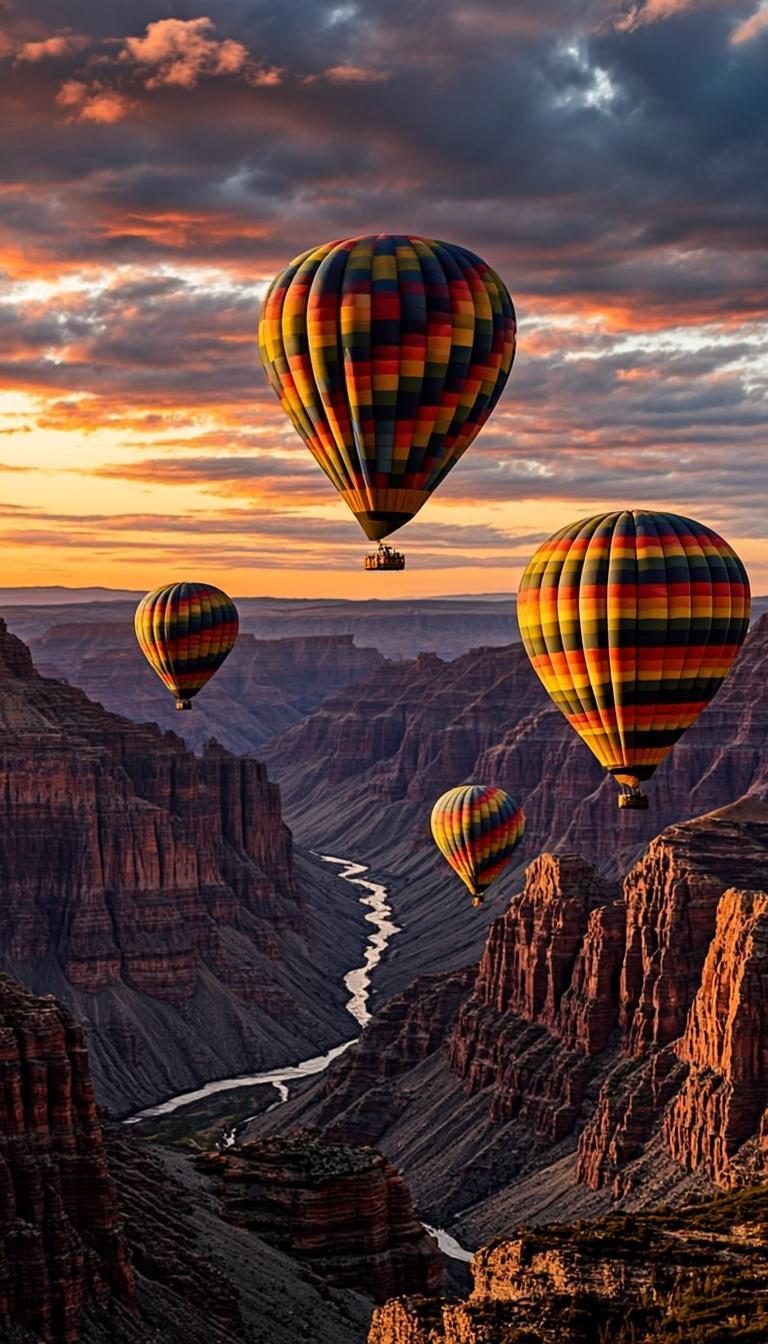
Hot air balloons over a canyon at golden hour
Golden Hour · 9:16 · FHD

What defines it

Lock-screen headroomThe top third stays quiet so the clock and date remain legible.
Dark-top friendlyDeeper skies up top help white notification text pop, no scrim needed.
OLED-aware palettesDarker scenes draw less power on OLED panels than bright whites.
Vertical storytellingForeground-to-sky depth that rewards more than a one-second glance.

What makes mobile wallpapers work

A lock screen is a glance, not a gallery visit. You unlock your phone dozens of times a day and see the wallpaper for about a second, usually with a clock sitting on top of it. That is why the strongest portrait backgrounds put their subject in the lower two thirds and leave the top third as breathing room — sky, water, fog or a plain gradient all do the job.

The other constraint is hardware. Modern phones are taller than 9:16, so an image that fills a classic ratio will be cropped on a tall display; keeping the important detail centered and away from the very top protects it. Darker scenes have a practical bonus too: on OLED screens, dark pixels are switched off, so a deep navy night sky is gentler on battery than a full-brightness white sand beach. Neither trick requires software — just a prompt that plans for both.
How to get the look

Write the prompt bottom-up: subject first, then the quiet sky that will sit behind your clock. This is where an AI mobile wallpaper generator earns its keep — describe the scene, check the crop in the browser-generated preview, and only download when the clock still reads at arm’s length. The how it works guide shows how the type and ratio controls adapt when you pick Mobile.

  • Ask for a “clear upper third” or “dark sky at the top” to reserve space for the clock.
  • Try “soft glow”, “mist” or “calm water” — low-detail textures hide the notification stack better.
  • For OLED battery, favor night scenes, deep gradients and shadow-heavy compositions.
  • Check the preview at a glance: if the subject competes with the clock, regenerate with a lower horizon.

Prompt ideas

Mobile wallpaper prompts to try

Copy one, or open it in the generator and adjust the controls.

“Hot air balloons drifting over a canyon at golden hour, warm peach sky with a clear upper third, vertical 9:16 composition”

Try it

“Deep indigo night sky with faint stars above a silhouetted pine ridge, dark top for notifications, portrait phone wallpaper”

Try it

“Soft lavender and cream gradient waves, calm abstract texture, vertical composition with a quiet, even top”

Try it

Recommended sizes

Common uses, ratios and resolutions for mobile wallpapers.
Use caseAspect ratioSuggested size
Phone lock screen9:161440 × 2560
Tall modern display19.5:91290 × 2796
Tablet background4:32048 × 1536

Mobile wallpaper FAQ

Start with 9:16, which fits most phones with a light crop. If your device has a taller 19.5:9 screen, generate with custom dimensions instead so the preview matches what you will actually see. The FAQ covers custom sizing in more detail.

On OLED panels, yes — dark pixels are effectively off, so a night scene sips less power than a bright one. The saving is modest rather than dramatic, but if your phone spends its days on low battery, darker wallpapers are an easy win.

Choose prompts with a plain, darker top: open sky, deep water, gradient haze. Avoid strong light sources or detailed clouds in the upper third, and if the preview hides the clock, regenerate with “dark clear sky at top” added to the prompt.

Create a mobile wallpaper now

Describe your scene, choose the mobile style, and preview it instantly — free, right in your browser. The preview is generated on your device.

Copied