The experience
01 / 06
Keep scrolling
Browser-based creative tool — free to use
Create stunning wallpapers with AI-inspired creative controls for desktop, mobile, gaming, anime, 3D, nature and more — then download them in HD or 4K, right in your browser.
The experience
Keep scrolling
Wallpaper showcase
01 / 08
Categories
Eight curated directions for AI wallpaper creation. Every category page explains what makes the style work — with prompt ideas you can open directly in the generator.
Widescreen scenes for 4K & HD monitors
Portrait backgrounds for phones & tablets
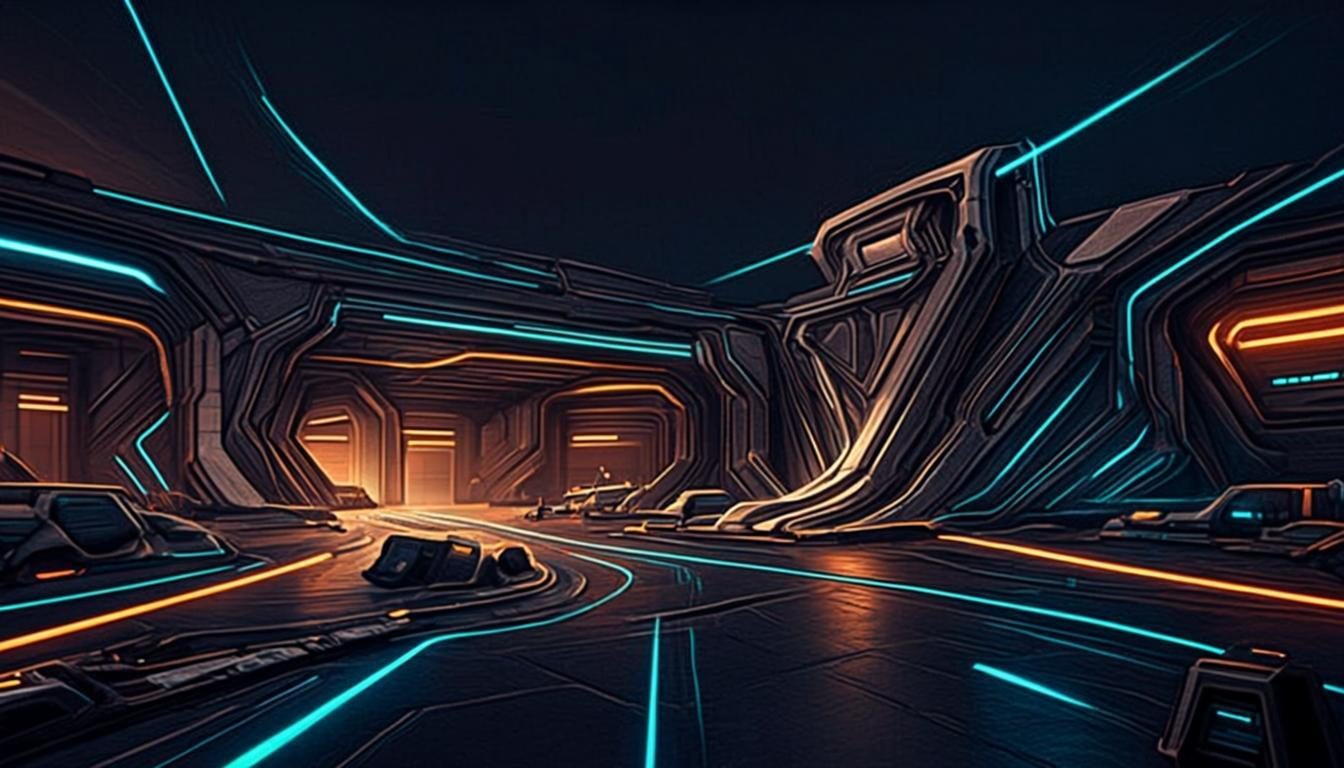
High-energy scenes for setups & streams
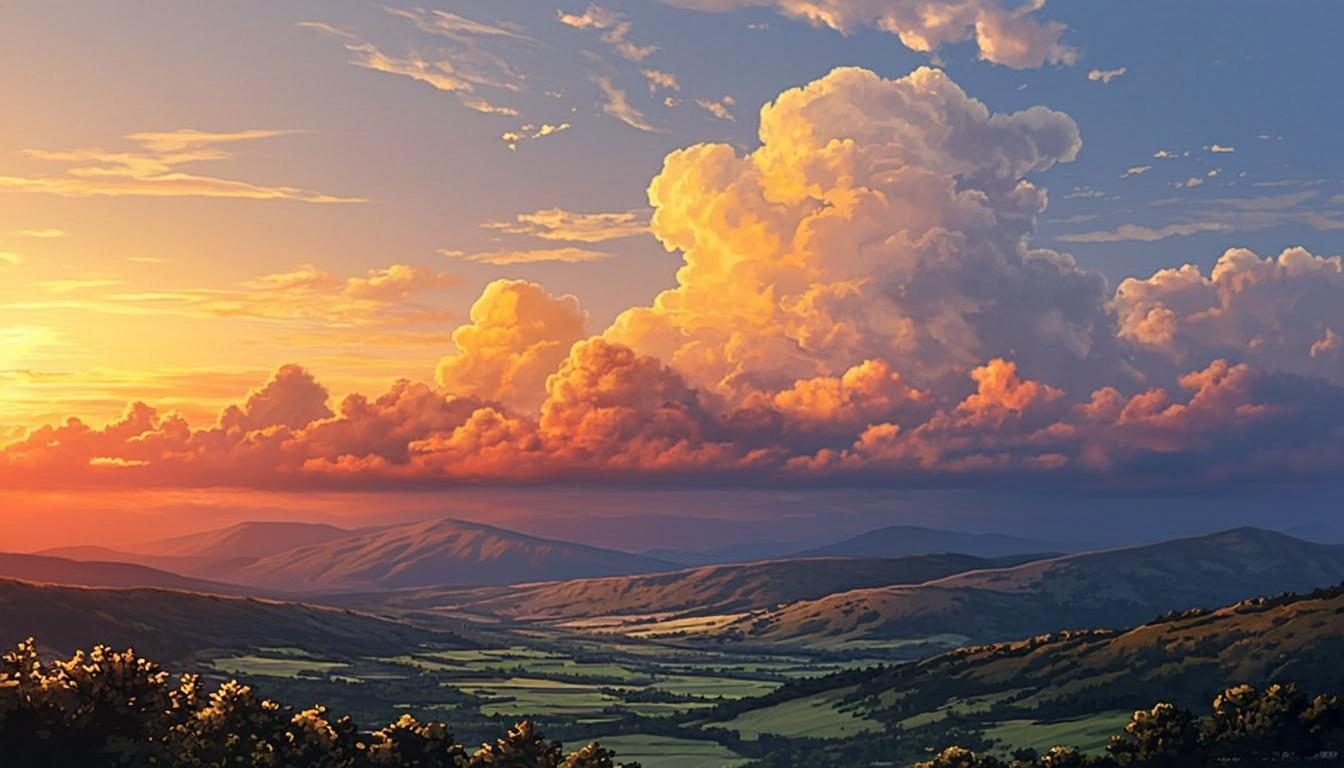
Painterly skies & nostalgic scenery
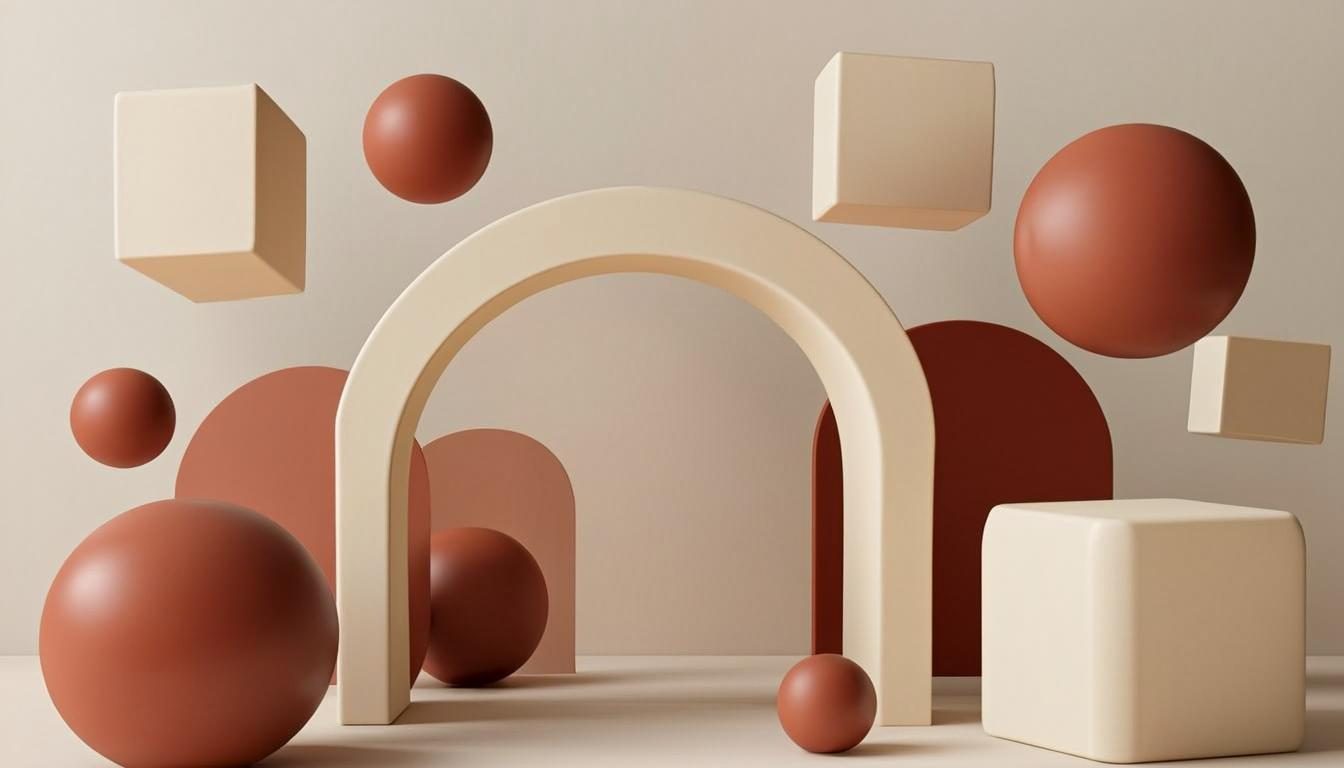
Rendered shapes with real depth
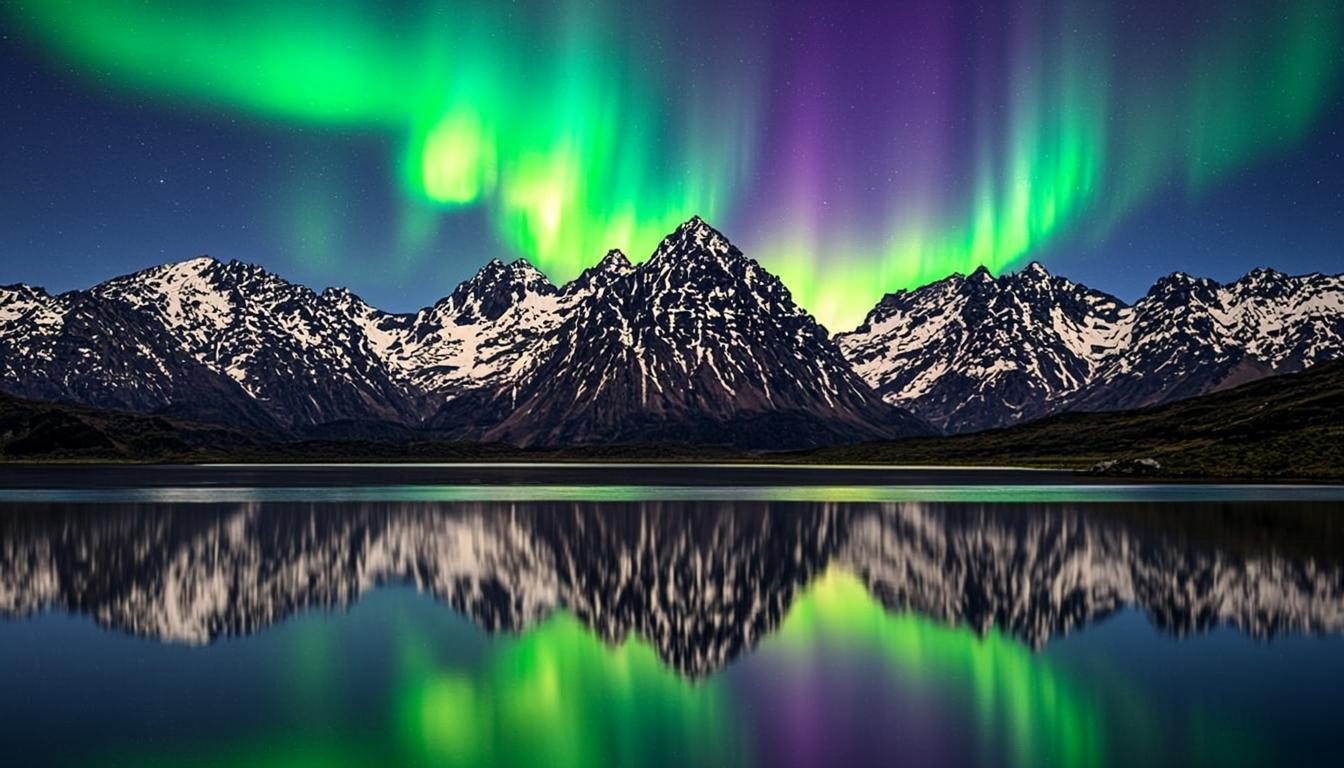
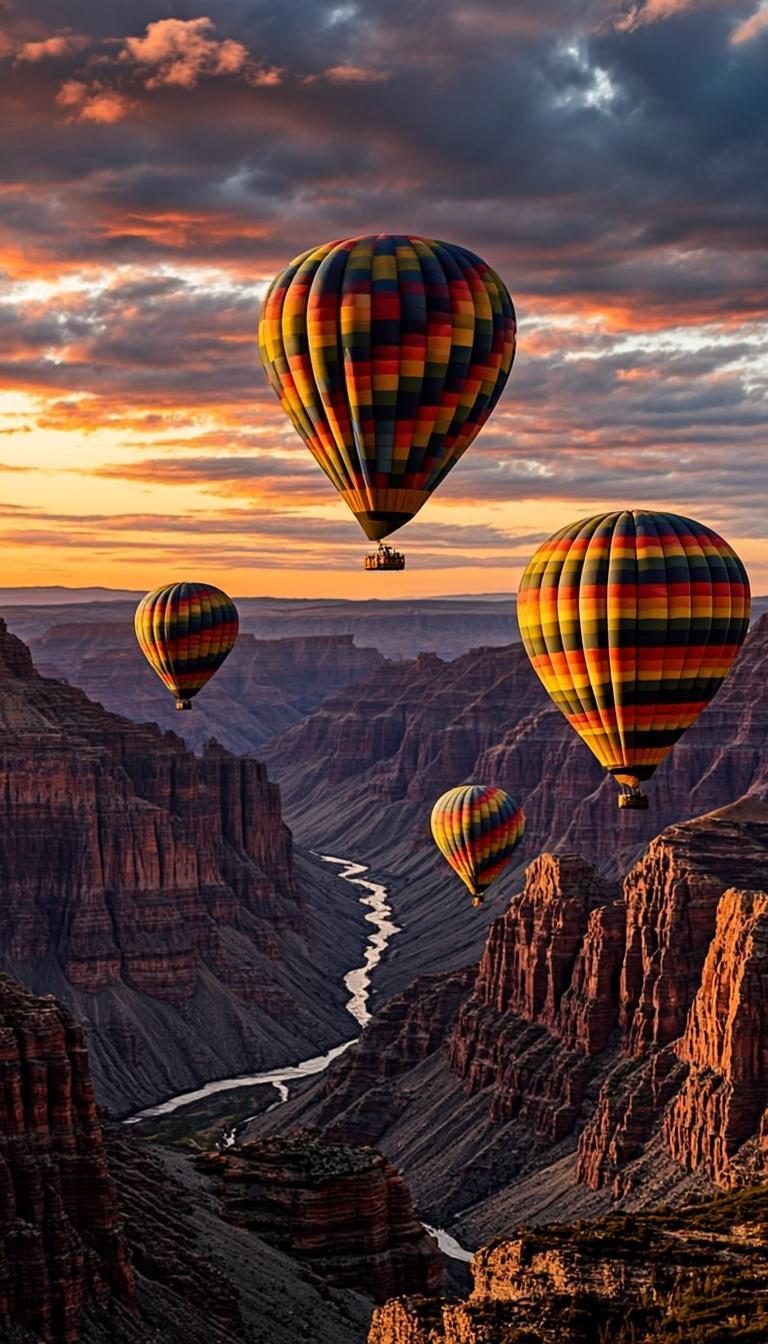
Mountains, forests & open skies
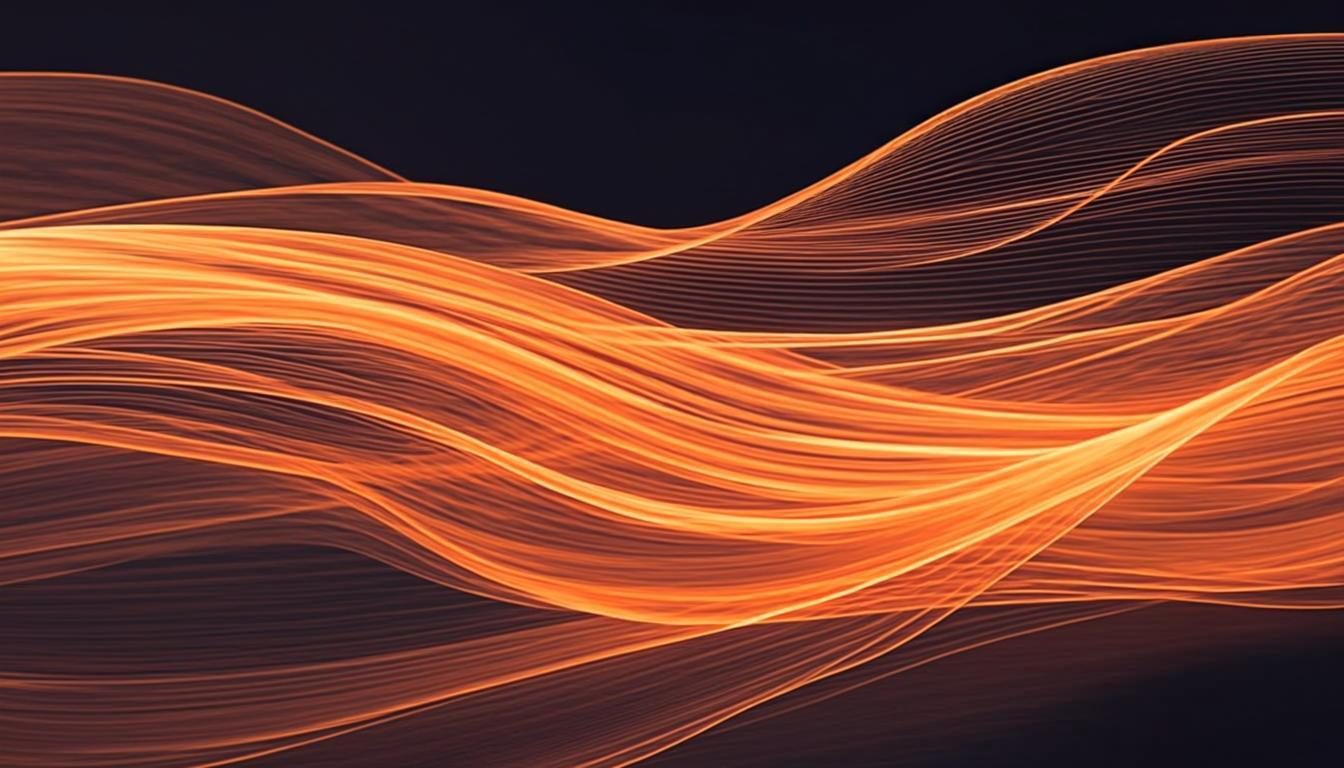
Color, motion & modern form
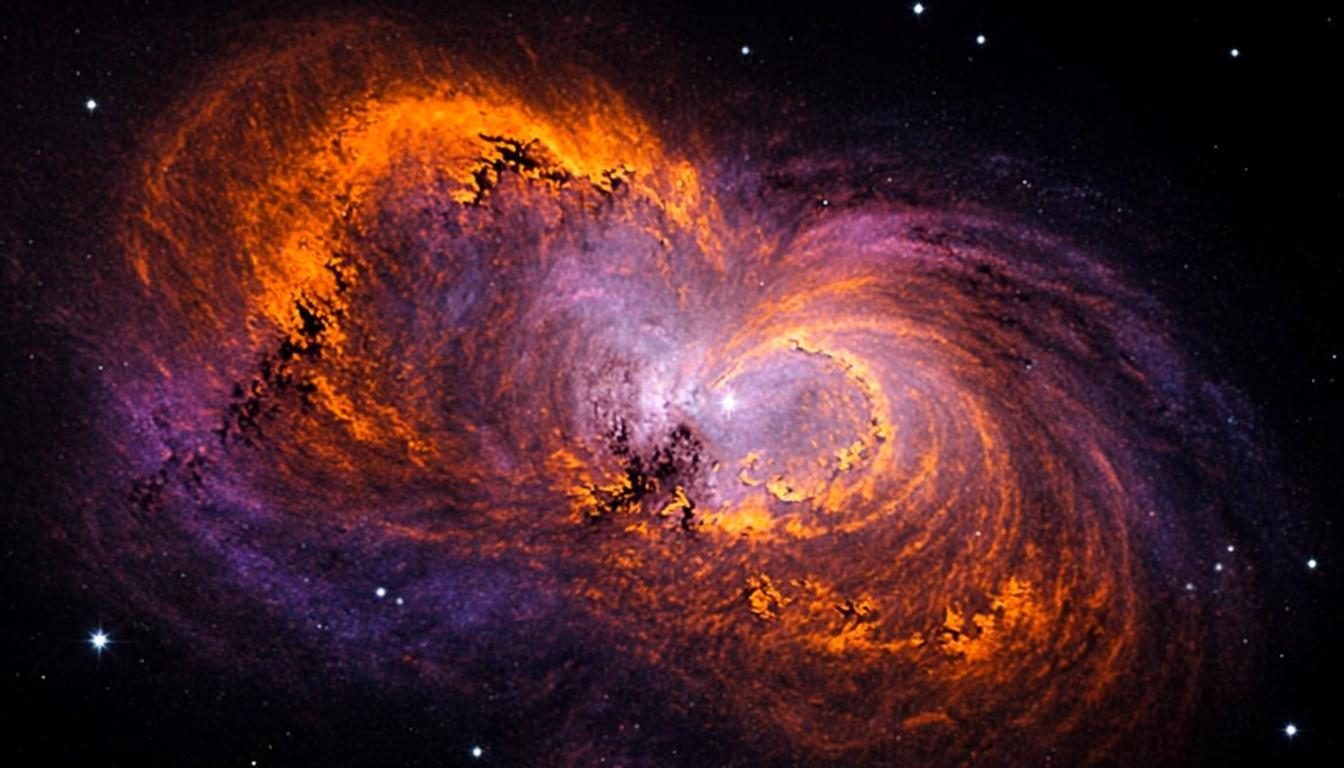
Nebulae, starfields & cosmic scale
How it works
The generator keeps the workflow simple: describe, customize, download. No accounts, no uploads, nothing to install.
Type what you want to see — “a quiet mountain lake at dawn”, “neon city in the rain”. The more specific your words, the closer the visual direction.
Pick a wallpaper type, a visual style like 3D, anime or cyberpunk, an aspect ratio and a resolution — the preview follows your choices.
Render the preview, copy your prompt for any AI image generator, or download the visual in HD or 4K for your desktop or phone.
3D Gallery
Move your pointer across the composition — every card sits at its own depth.
Use cases
A custom AI wallpaper is a small change that makes a device feel personal. Here is where people use theirs.
Give a work or battle station a matching 4K desktop background generator result that ties the whole desk together.
Design a personalized AI phone wallpaper in 9:16 that fits lock screens perfectly — no cropping, no stretching.
Create an AI gaming wallpaper with dark, dramatic palettes that look great behind overlays and RGB lighting.
Square 1:1 outputs work as phone backgrounds, story backdrops or banner art for profiles and channels.
Moodboards, mockups and concept art starters — generate a palette-driven scene, then build on it.
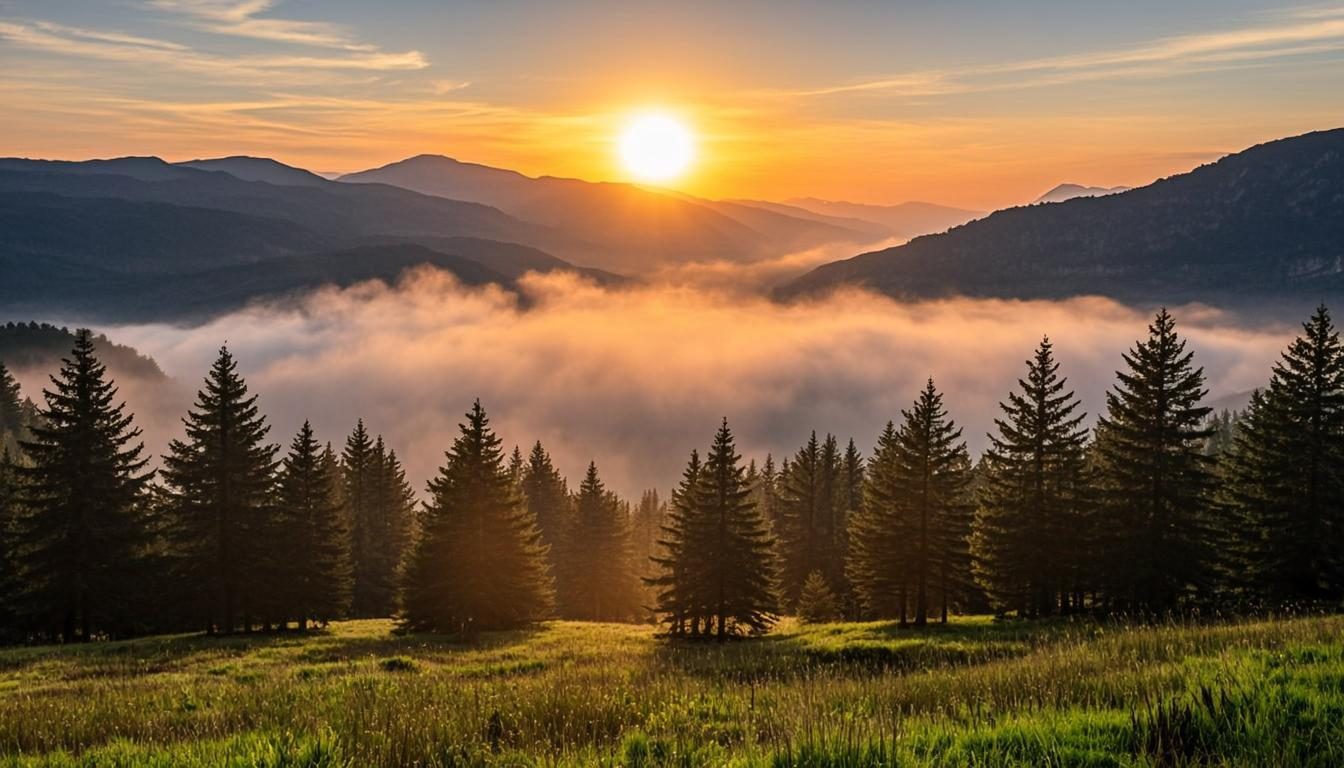
Turn a passing thought — fog over a pine forest — into a finished background before the idea fades.
Prompt ideas
Copy a prompt, or open it directly in the generator and tweak the style controls until it feels right.
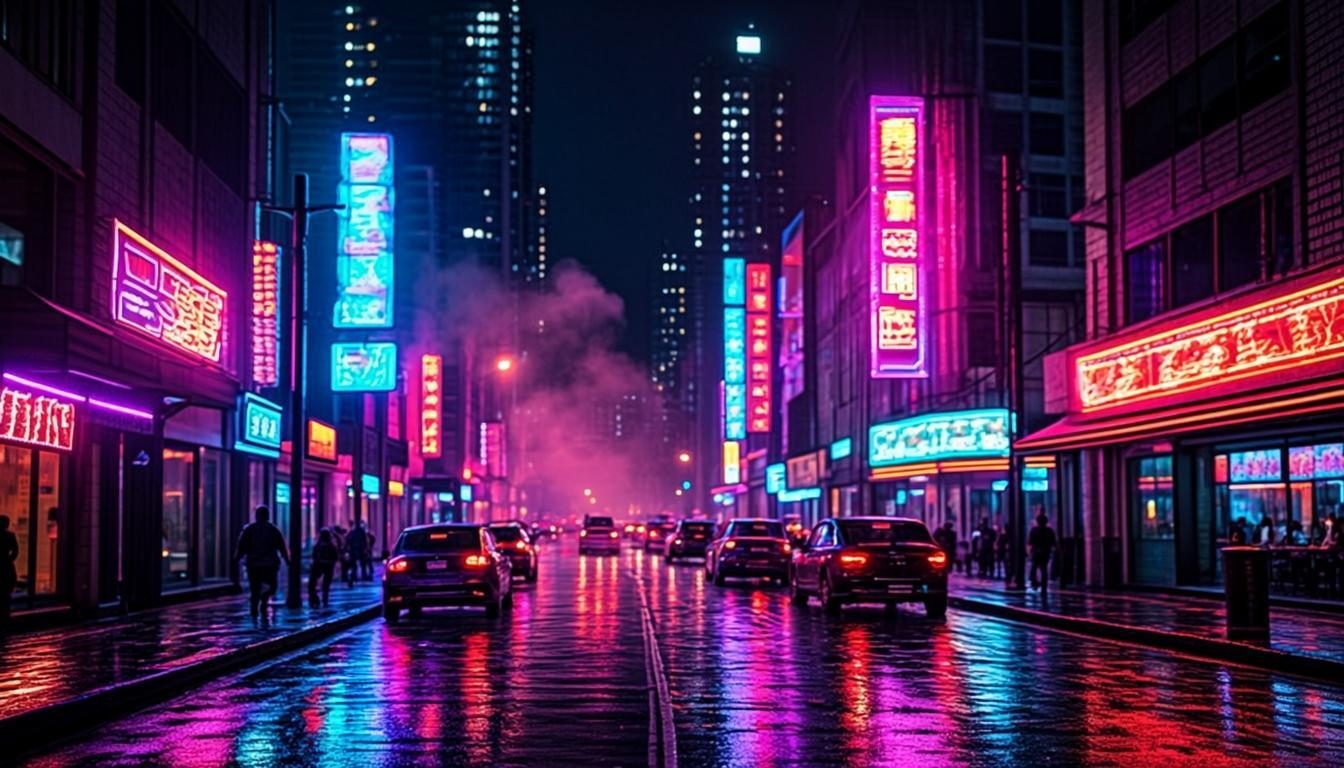
Cyberpunk“Neon cyberpunk city at night, rain-soaked streets with glowing reflections and atmospheric fog”
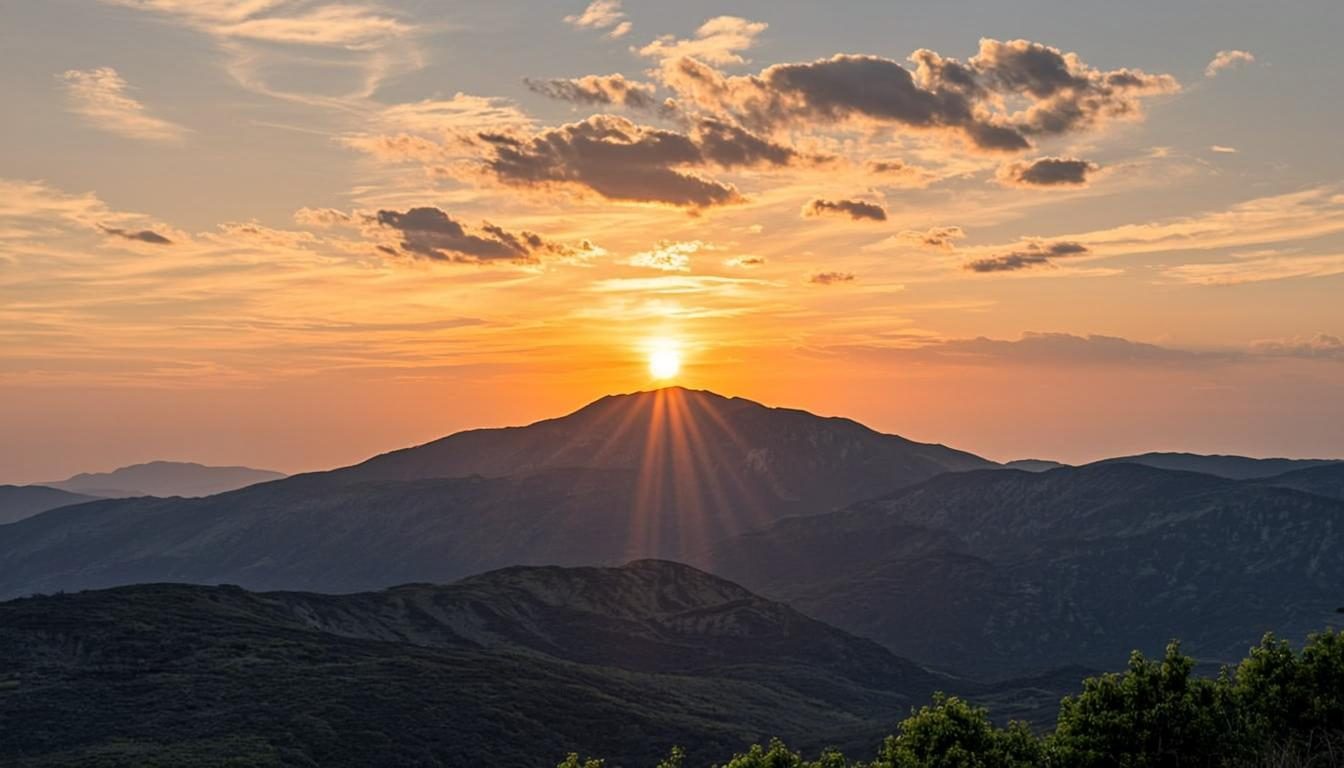
Minimal“Minimal mountain landscape at sunrise, one smooth hill, soft warm gradient sky, lots of calm space”
3D“3D abstract shapes floating in soft studio light, glossy spheres and arches, warm pastel palette”
Guides & background
Short, practical answers to the questions people actually ask about generating wallpapers.
An AI wallpaper generator is a creative tool that turns a written idea into a background image sized for a screen. Instead of scrolling through stock libraries, you describe the scene you want — a foggy pine forest, a neon skyline, a calm gradient — and the tool produces a wallpaper matching that description for your desktop or phone.
This site focuses on the fastest path from idea to screen: choose a style direction, tune the type, ratio and resolution, and preview the result before you commit. It is free, needs no account, and runs entirely in your browser.
You write a prompt, pick a visual style such as 3D, anime, cinematic or cyberpunk, and select your wallpaper type. The generator composes a preview that responds to your prompt and settings — the palette follows the words you use, and the composition follows the style you choose.
Because everything renders on your device, previews appear in seconds and nothing is uploaded anywhere. When you are happy, download the image in HD or 4K, or copy your prompt to reuse it in any external AI image generator. See the full walkthrough for details.
Desktop backgrounds live behind icons and windows, so the best ones keep their interest at the edges and a little calm near the center. Choose the Desktop type with a 16:9 ratio, pick HD, Full HD or 4K to match your monitor, and look for scenes with layered depth — mountains receding into haze, light falling across a room.
If you use multiple monitors, generate a panoramic-feeling scene at 4K and let each display show a slice of it. The AI desktop wallpaper guide covers sizing and composition in depth.
Phone backgrounds are portrait-first: the 9:16 ratio matches modern lock screens, and the top of the image should survive the clock, the notch and notification icons. Darker tops and bottoms help white text stay readable, which is why the generator adds a subtle top gradient for mobile-type renders.
Lock-screen images suit moody, atmospheric scenes; home-screen images suit calmer, minimal ones so app icons remain visible. More advice lives in the AI mobile wallpaper guide.
Great gaming wallpapers share three traits: dark bases that do not fight RGB lighting, strong silhouettes that read from across the room, and one clear focal glow. Think esports arenas, rain-slicked neon streets, or abstract energy fields.
Use the Gaming wallpaper type, a cinematic or cyberpunk style, and mention lighting explicitly in your prompt — “dramatic rim lighting”, “glowing energy lines”. The AI gaming wallpaper guide has ready-to-use examples.
3D wallpapers use rendered geometry — spheres, arches, soft cubes — with believable light and shadow. The style works because it adds depth without clutter: a few glossy shapes on a soft gradient feel calm and premium, especially in 4K.
Pick the 3D style and mention materials in your prompt: “glossy”, “matte clay”, “frosted glass”. See the AI 3D wallpaper guide for six prompt formulas.
A good prompt names the subject, the mood, and the light — in that order. Compare “a landscape” with “misty layered mountains at sunrise, golden light in the valley fog”. The second gives the palette engine real words to work with: golden, sunrise, fog.
Match the ratio to the screen, not the artwork. 16:9 fits virtually all desktop monitors; 9:16 fits phones; 4:3 suits older tablets and photo frames; 1:1 works for profile art and avatars. Custom dimensions are there for ultrawide displays and unusual hardware.
If in doubt, generate at 16:9 first to judge the composition, then re-render the same prompt at 9:16 — the engine keeps the palette, so the two will feel like siblings. The FAQ lists common resolution pairings.
Open the AI wallpaper maker, paste one in, and make it yours.
FAQ
Yes. Every feature on this site — styles, ratios, resolutions, downloads — is free and requires no account. Nothing is watermarked and there are no hidden limits.
The on-site preview is a browser-generated visual: your prompt and style choices drive a procedural rendering engine that runs locally in your browser. It is honestly labeled as such. Your finished prompt can be copied into any external AI image generator — see how it works.
HD (1280 px), Full HD (1920 px), 2K (2560 px) and 4K (3840 px) on the long edge, in 16:9, 9:16, 4:3, 1:1 or custom dimensions — so both desktop background generator outputs and phone background generator outputs are covered.
No. Rendering happens on your device and nothing is uploaded to a server. What you create stays in your browser until you download it — see the privacy policy.
Downloads from the preview engine are generated procedurally and are fine for personal use. For anything commercial, review the terms of use first — and remember that prompts you copy to external AI tools follow those tools' licensing rules.
Describe the scene in your head, pick a style, and watch it take shape — free, fast and right in your browser.