Home AI Wallpaper Generator Categories How It Works FAQ About Generate Wallpaper

Wallpaper category

AI Abstract Wallpaper Generator

Abstract wallpapers are pure design: color, motion and shape with nothing figurative to distract. Done well they set a mood, keep every icon readable and never go out of style — which is exactly what the prompts below aim for.

Open the Generator See Prompt Ideas
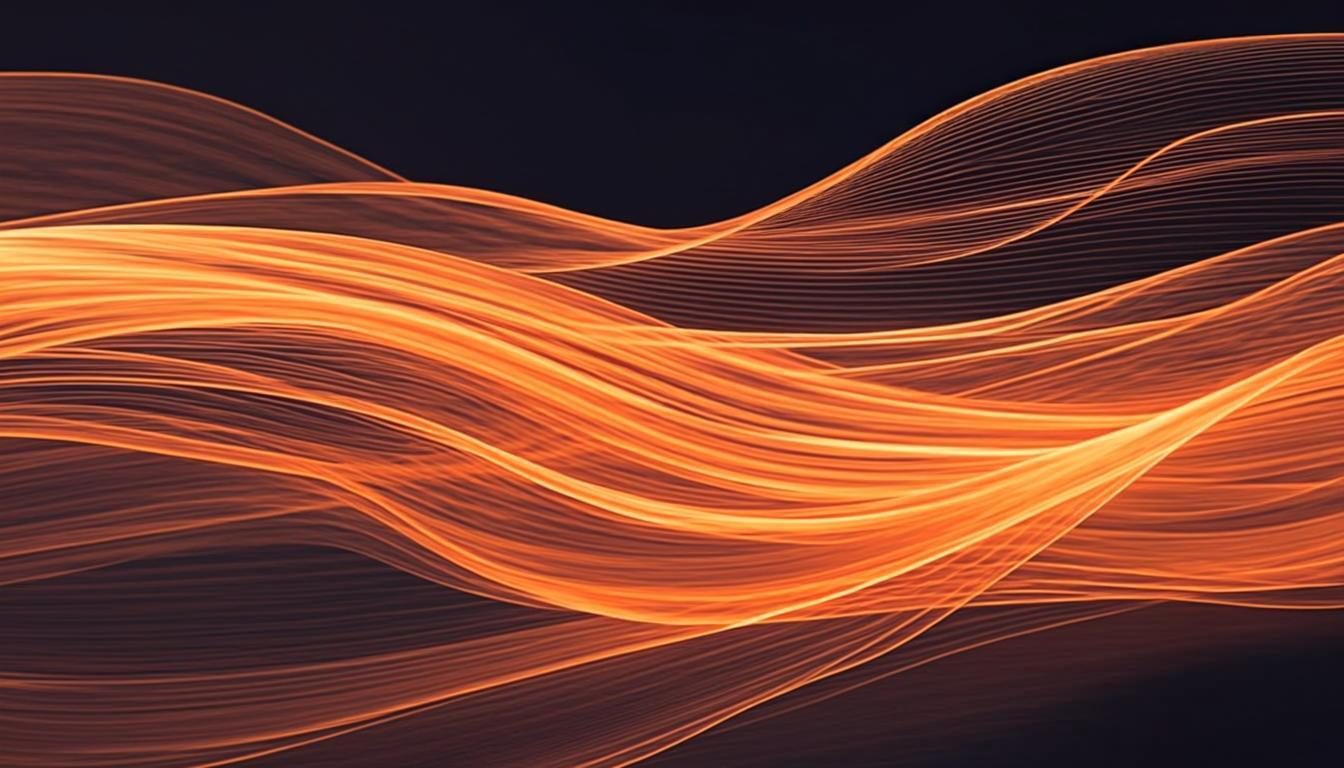
Flowing liquid gradient waves in warm tones
Liquid · 16:9 · 4K

What defines it

Palette firstTwo or three colors carrying the whole composition, chosen before anything else.
Readable by designEven gradients and soft contrast keep icons and widgets legible.
Motion without noiseFlowing forms that suggest movement without burying you in detail.
Quietly timelessNon-figurative shapes that outlast trends and tired eyes alike.

What makes abstract wallpapers work

Every figurative wallpaper eventually tells you what it is — and once you have seen the joke or the place, it can start to fade. Abstract work sidesteps that: a silk-smooth gradient or a slow marble flow is pure color behavior, and color behavior stays interesting longer than punchlines. The craft lives in the palette. Choose two or three colors with intent — a deep base, a warm accent, a pale bridge between them — and the wallpaper practically designs itself. For that kind of sketching, an AI abstract wallpaper generator is the fastest palette notebook you will find.

The practical superpower is readability. Because gradients and soft forms vary slowly across the frame, icons, text and widgets keep their contrast almost anywhere you put them. That is why abstract is the default choice for minimal desktops and OLED phones: you can go rich and dark, or light and airy, and neither asks your eyes to fight the background. The prompts below are written palette-first for exactly this reason.
How to get the look

Start with the palette, then pick a behavior for it: blending, flowing, folding or scattering. The style controls handle the finish — the how-it-works guide maps out every control.

  • Write prompts palette-first: “deep teal melting into warm peach” beats “nice gradient”.
  • Name a technique — “mesh gradient”, “liquid marble”, “silk folds” — to steer the forms.
  • Add “soft grain” or a hint of “matte texture” when a preview looks too sterile.
  • For dark mode, keep the base near-black and let one luminous ribbon carry the color.

Prompt ideas

Abstract wallpaper prompts to try

Copy one, or open it in the generator and adjust the controls.

“Smooth mesh gradient blending deep teal into warm peach, silky flowing forms, soft grain, minimal abstract wallpaper”

Try it

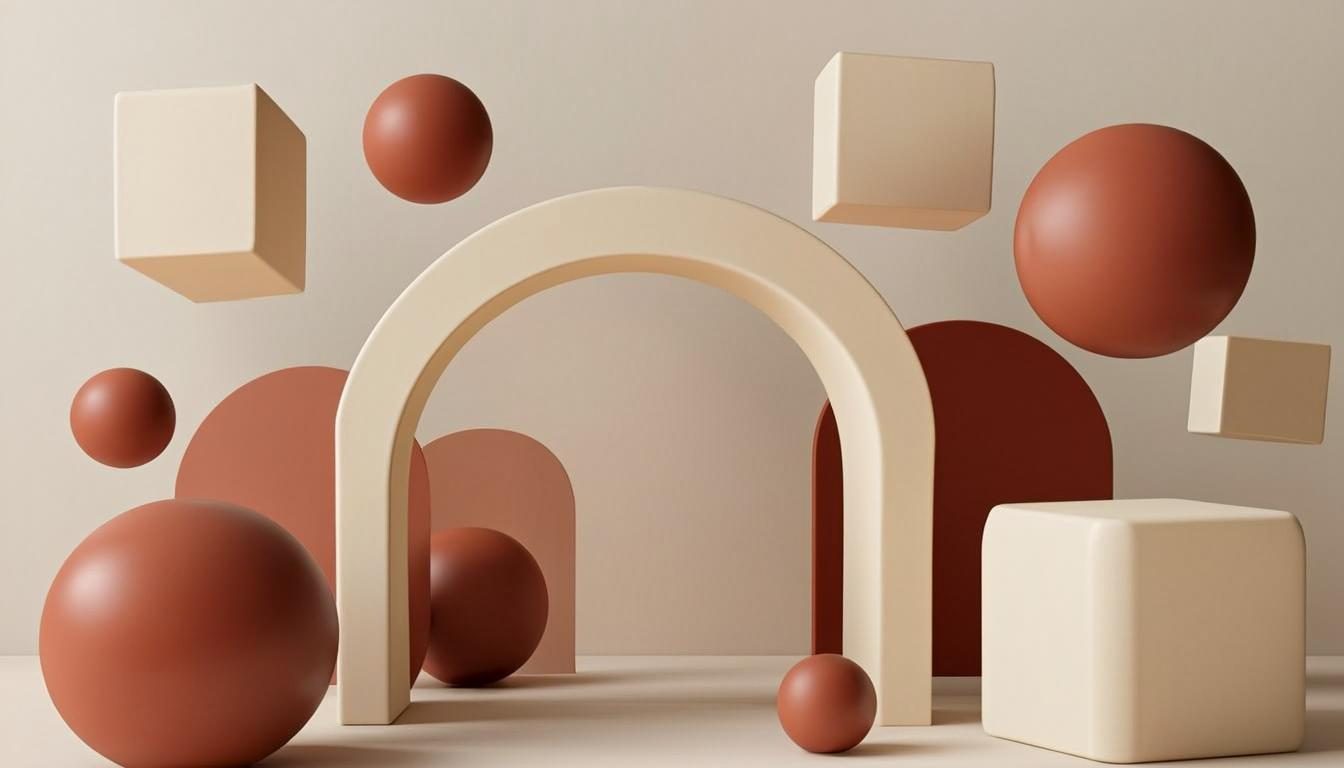
“Flowing liquid marble waves in cream and terracotta, slow elegant curves, matte texture, modern abstract composition”

Try it

“Dark navy backdrop with one luminous gradient ribbon crossing the lower third, quiet center, minimal abstract style”

Try it

Recommended sizes

Common uses, ratios and resolutions for abstract wallpapers.
Use caseAspect ratioSuggested size
Desktop monitor16:93840 × 2160
Phone lock screen9:161440 × 2560
Tablet or square crop1:12048 × 2048

Abstract wallpaper FAQ

Longevity and readability. There is no subject to tire of, and slow gradients keep icons legible no matter where they sit. It is also the easiest style to match to a room, a brand palette or a phone theme.

Name the colors and their behavior: “deep teal melting into warm peach”, “charcoal with a single amber ribbon”. Two or three colors with one verb between them is the whole recipe — more specificity starts to fight the style.

Beautifully. Keep the base near-black, push saturation into one or two glowing forms, and let the rest breathe. The low average brightness is easy on night-shift eyes and suits OLED screens of any size.

Create an abstract wallpaper now

Describe your scene, choose the abstract style, and preview it instantly — free, right in your browser. The preview is generated on your device.

Copied