Home AI Wallpaper Generator Categories How It Works FAQ About Generate Wallpaper

Wallpaper category

AI Gaming Wallpaper Generator

A gaming wallpaper has one job: set the mood without fighting your HUD. These prompts lean on dark bases, dramatic rim light and low-distraction zones, so your RGB gear, widgets and overlays stay the center of attention.

Open the Generator See Prompt Ideas
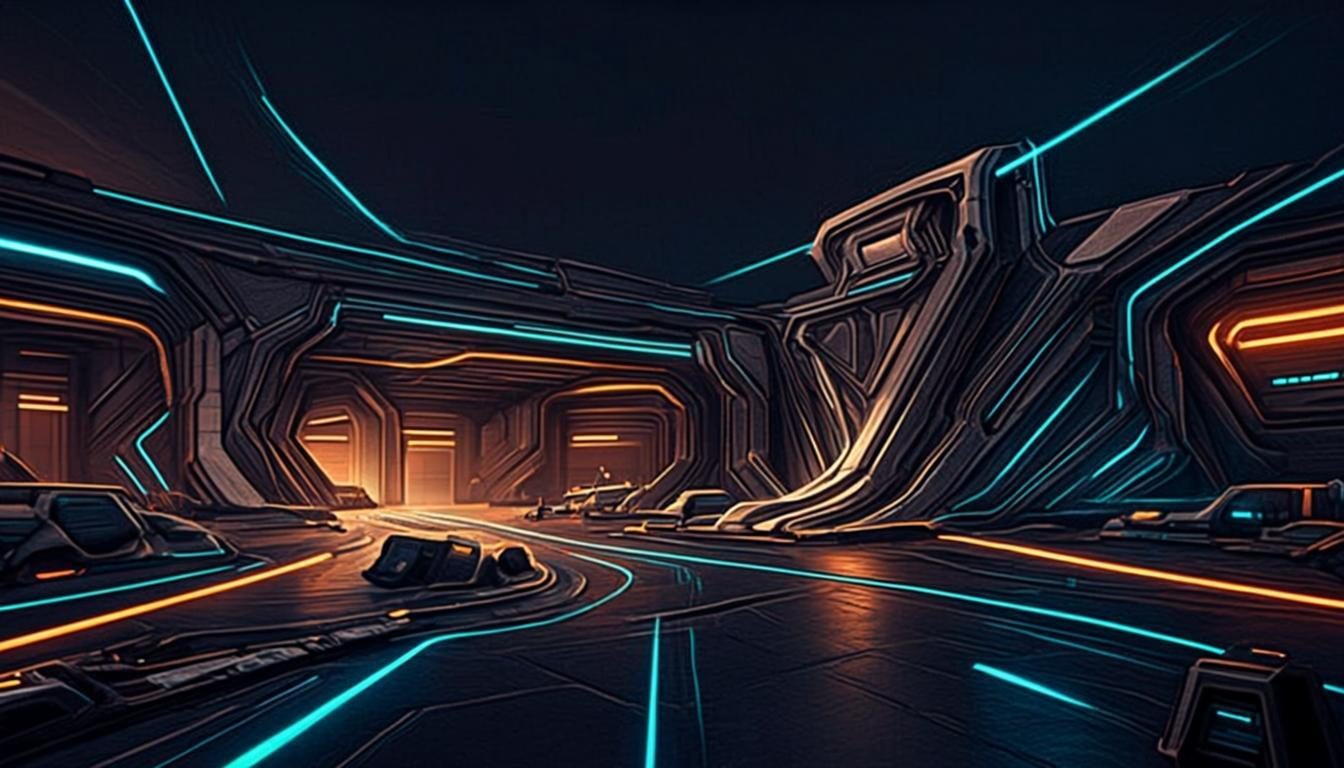
Dark futuristic esports arena with dramatic rim lighting
Esports · 16:9 · 4K

What defines it

Dark basesNear-black scenes that let RGB lighting and icons glow instead of clash.
Rim-light dramaNeon edges and backlighting that read from across the room.
Quiet lanesLow-detail zones reserved for overlays, widgets and dock icons.
Ultrawide readyCompositions that stretch to 21:9 without losing their story.

What makes gaming wallpapers work

Walk into any streaming or esports setup and you will notice the wallpaper first — usually because it is almost black. Dark bases are the natural partner for RGB keyboards, light strips and high-contrast monitors: a near-black scene makes the hardware glow, keeps late-night glare down and hides the dust of a well-used desk. The prompt vocabulary that gets you there is simple: “near-black base”, “volumetric light”, “single light source”.

The second ingredient is restraint. Between the game HUD, chat pop-ups, stream overlays and system widgets, a gaming screen is already busy, so the wallpaper should hold one dramatic idea — a lit silhouette, a neon horizon — and leave lanes of calm around it. An AI gaming wallpaper generator makes that restraint cheap to practice: regenerate until the drama sits exactly where your setup needs it. Ultrawide players should plan for the stretch too, keeping energy at the edges and silence in the center, well away from bezels and webcam cutouts.

How to get the look

Think like a lighting designer rather than a landscape painter. Name the light first, the subject second, and hold the palette to two accents over black. The how it works walkthrough covers how the style and ratio controls interact, including custom ultrawide sizes.

  • Anchor prompts with “dark base”, “volumetric spotlights” or “single light source” for instant drama.
  • Limit yourself to two accent colors — more turns a mood board into noise.
  • Ask for a “quiet center” if widgets, overlays or a webcam cutout live in the middle of the screen.
  • Generate at your panel’s native ratio first, then export an ultrawide variant from the same prompt.

Prompt ideas

Gaming wallpaper prompts to try

Copy one, or open it in the generator and adjust the controls.

“Dark futuristic esports arena with volumetric spotlights and glowing floor lines, near-black base, wide 16:9 composition”

Try it

“Neon-lit racer speeding through a rainy night circuit, dramatic rim light, motion streaks, dark cinematic background”

Try it

“Minimal dark texture with one glowing orange energy line across the lower third, quiet center for stream overlays”

Try it

Recommended sizes

Common uses, ratios and resolutions for gaming wallpapers.
Use caseAspect ratioSuggested size
Main gaming monitor16:92560 × 1440 or 3840 × 2160
Ultrawide rig21:93440 × 1440
Second or stream screen16:91920 × 1080

Gaming wallpaper FAQ

Dark scenes give RGB hardware contrast to push against, cut glare during night sessions and keep attention on the game when one is running. They also age well: a black-based wallpaper looks the same at midnight as it did at noon.

Low-detail textures: gradients, haze, slow curves. Save dramatic subjects for the outer thirds of the frame so panels and alerts land on calm ground. If a preview feels busy under your overlay, regenerate with “soft” or “minimal” added.

Yes. Pick a 21:9-friendly scene — horizons, light trails, wide arenas — and export with custom dimensions. The how-it-works guide explains custom sizing, or copy the prompt into the generator and adjust the ratio control.

Create a gaming wallpaper now

Describe your scene, choose the gaming style, and preview it instantly — free, right in your browser. The preview is generated on your device.

Copied